70
Taking Photographs—Image Adjustment
1
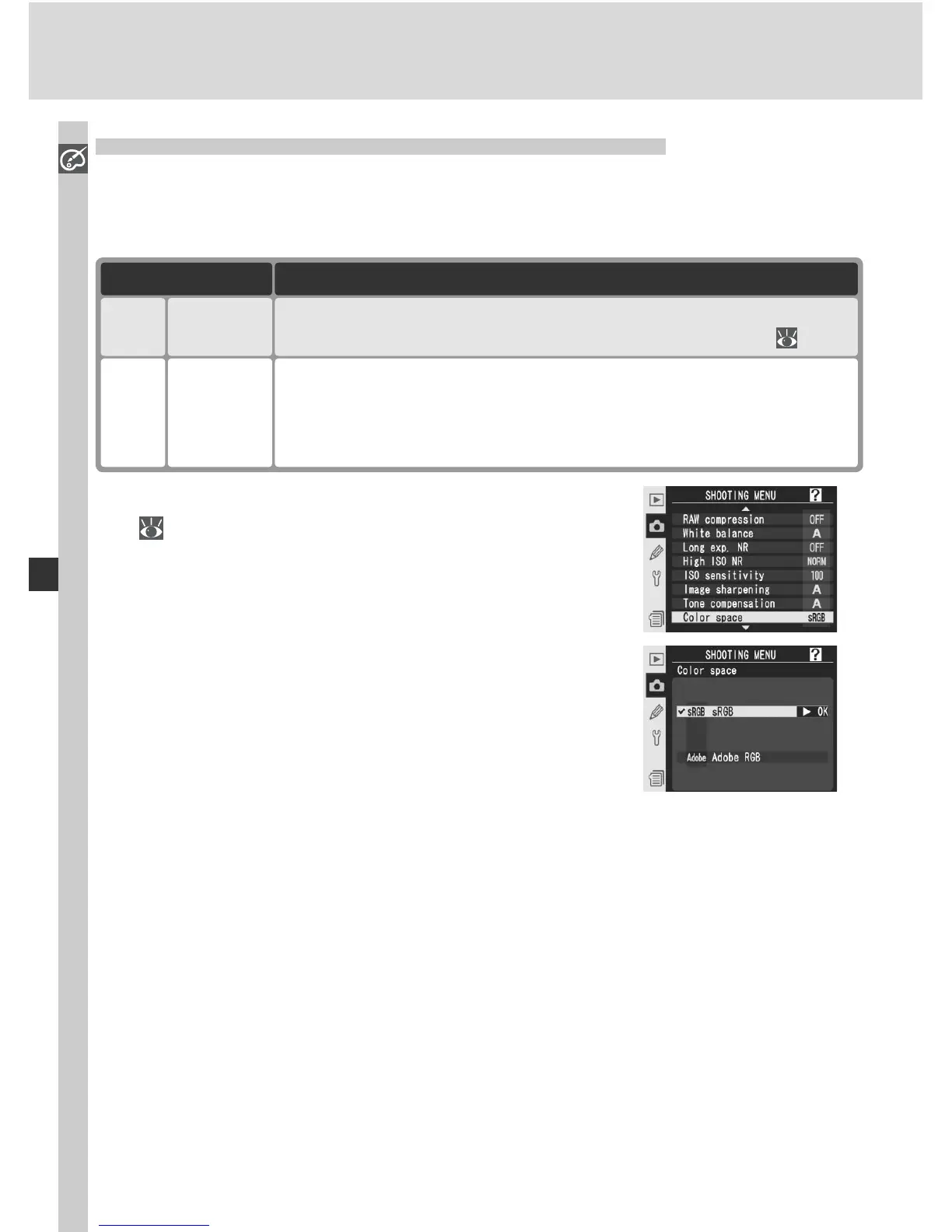
Highlight Color space in the shooting menu
( 168) and press the multi selector to the
right.
2
High light the de sired op tion and press the
multi se lec tor to the right. The shooting menu
will be displayed.
Suiting Colors to a Workfl ow: Color Space
The color space determines the gamut of colors available for color reproduc-
tion. Choose a color space according to how pho to graphs will be pro cessed
on leaving the cam era.
Choose for photographs that will be print ed or used “as is,” with
no fur ther modifi cation. Color mode II is not available ( 72).
sRGB
(default)
sRGB
This color space is capable of expressing a wider gamut of colors
than sRGB, making it the preferred choice for images that will be
extensively processed or retouched. Black-and-white (sRGB) is
not available for Color mode when this option is in effect.
AdobeRGB
Adobe
DescriptionOption



 To Next Page