185
Menu Guide—Custom Settings
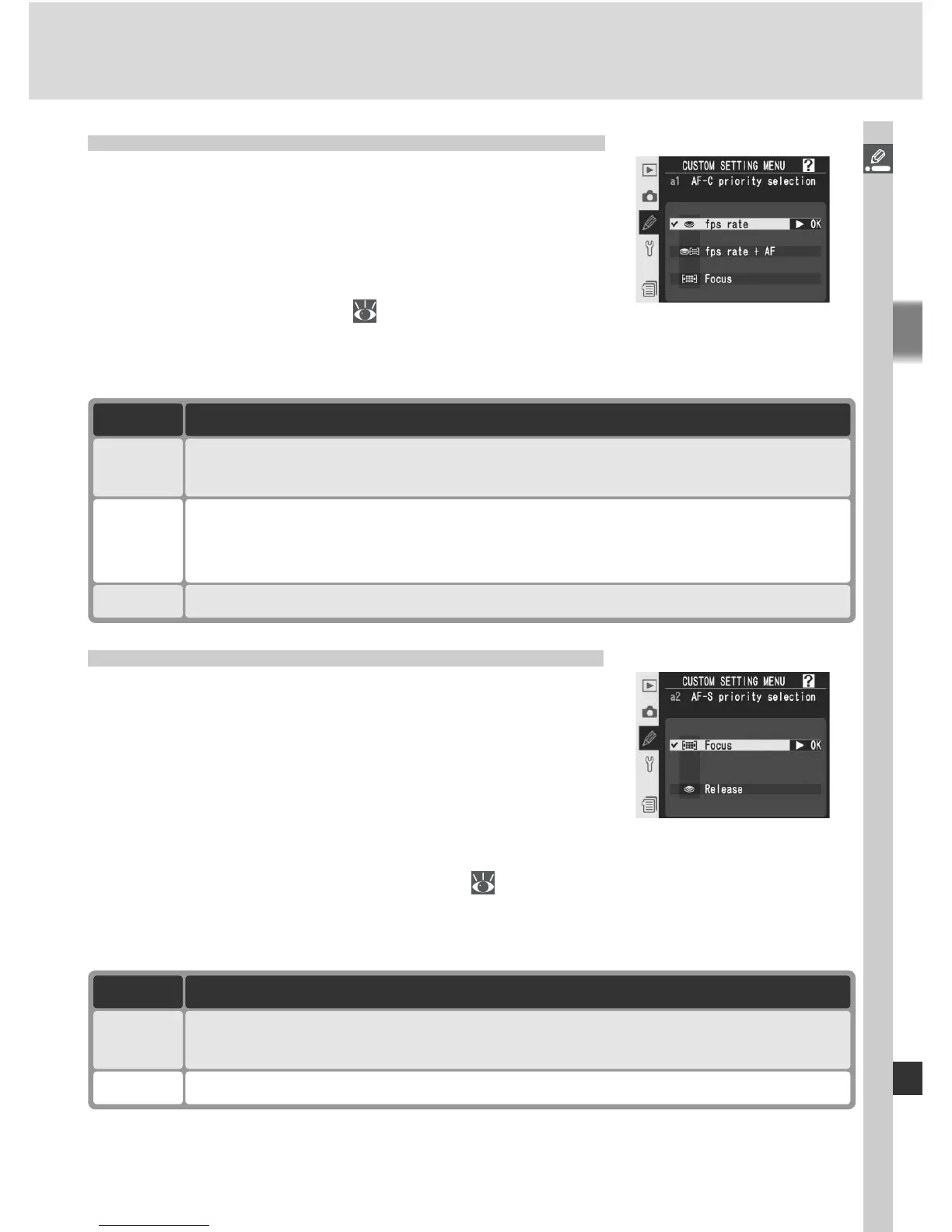
Custom Setting a1: AF-C Priority Selection
This option controls whether photographs can
be taken whenever the shutter-release button is
pressed (release priority) or only when the camera
is in focus (focus priority) in continuous-servo AF.
Highlight a1 AF-C mode priority in the second
level of the CSM menu (
180) and press the
multi selector to the right. Press the multi selector up or down to highlight
an option, then press to the right to make a selection.
Custom Setting a2: AF-S Priority Selection
This option controls whether photographs can
be taken only when the camera is in focus (focus
priority) or whenever the shutter-release button is
pressed (release priority) in single-servo AF. No
matter which option is selected, focus will lock if
the in-focus indicator (●) is displayed when the
shutter-release button is pressed halfway. Highlight a2 AF-S mode priority
in the second level of the CSM menu ( 180) and press the multi selector to
the right. Press the multi selector up or down to highlight an option, then
press to the right to make a selection.
Option Description
Focus
(default)
Photos can only be taken when in-focus indicator (●) is displayed.
Release Photos can be taken whenever shutter-release button is pressed.
Option Description
fps rate
(default)
Photos can be taken whenever shutter-release button is pressed.
fps rate
+ AF
Photos can be taken even when camera is not in focus. In continuous
mode, frame rate slows for improved focus if subject is dark or low con-
trast.
Focus
Photos can only be taken when in-focus indicator (●) is displayed.



 To Next Page