202
Menu Guide—Custom Settings
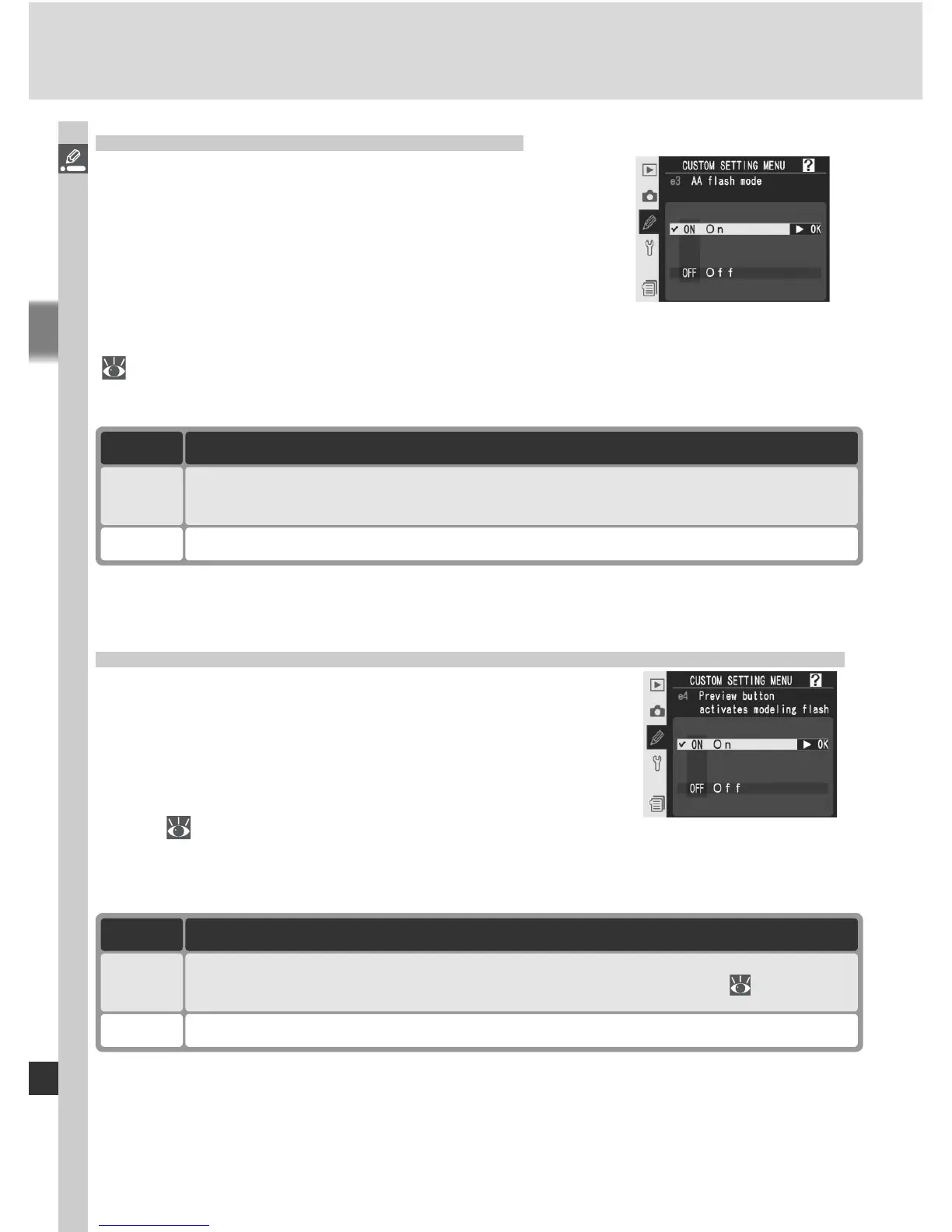
Custom Setting e3: AA Flash Mode
This option controls whether fl ash level is auto-
matically adjusted for aperture when an external
exposure meter is used with an SB-80DX or SB-
28DX Speedlight (in the case of the SB-800, the
fl ash mode chosen with the Speedlight is used
regardless of the option chosen for Custom Set-
ting e3). Highlight e3 AA fl ash mode in the second level of the CSM menu
(
181) and press the multi selector to the right. Press the multi selector up
or down to highlight an option, then press to the right to make a selection.
Option Description
On
(default)
Off Aperture specifi ed manually using Speedlight controls (non-TTL auto).
Flash level automatically adjusted for aperture when external exposure me-
ter is used with SB-80DX or SB-28DX Speedlight (auto aperture).
*
*To use auto aperture with non-CPU lenses, specify maximum aperture of lens using
Non-CPU lens data option in shooting menu.
Custom Setting e4: Preview Button Activates Modeling Flash
This option determines whether optional Speed-
lights that support the Creative Lighting System
(CLS) emit a modeling fl ash when the depth-of-
fi eld preview button is pressed. Highlight e4
Modeling fl ash in the second level of the CSM
menu ( 181) and press the multi selector to the
right. Press the multi selector up or down to highlight an option, then press
to the right to make a selection.
Option Description
On
(default)
Off No modeling fl ash emitted when depth-of-fi eld preview button is pressed.
Modeling fl ash is emitted when depth-of-fi eld is previewed ( 87).



 To Next Page