209
Menu Guide—Custom Settings
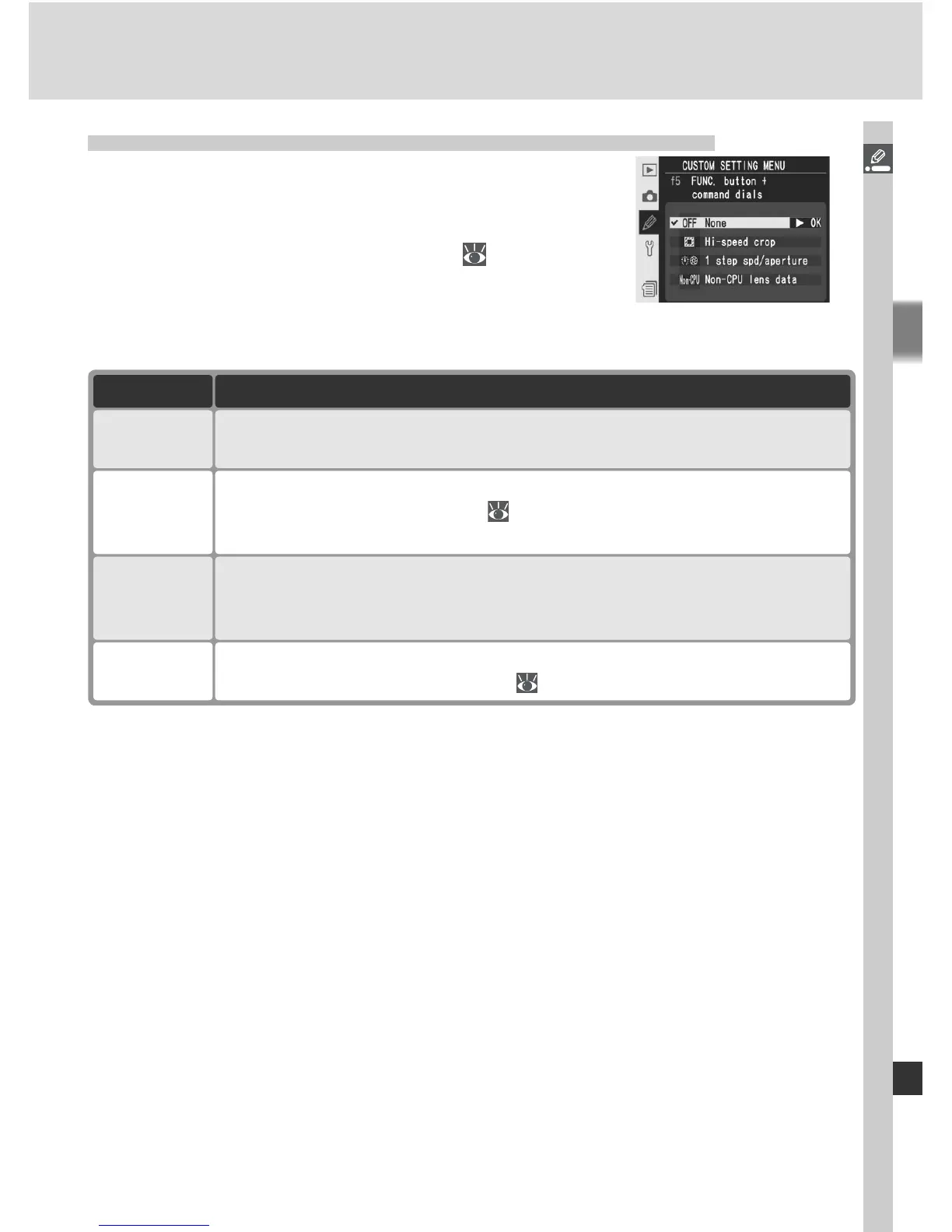
Custom Setting f5: FUNC. Button + Command Dials
This option controls the operation performed by
pressing the FUNC. button and rotating the com-
mand dials. Highlight f5 FUNC. + command in
the second level of the CSM menu (
181) and
press the multi selector to the right. Press the multi
selector up or down to highlight an option, then
press to the right to make a selection.
Option Description
Non-CPU
lens data
FUNC. button and command dials can be used to specify focal length
and aperture of non-CPU lenses ( 131).
None
(default)
No operation is performed if command dials are rotated while FUNC.
button is pressed.
1 step spd/
aperture
If FUNC. button is pressed when rotating command dials, changes
to shutter speed (exposure modes S and M) and aperture (exposure
modes A and M) are made in increments of 1 EV.
Hi-speed
crop
FUNC. button and main command dial can be used to turn high-
speed crop mode on and off ( 41). Hi-speed crop mode can not be
changed after fi rst shot in multiple exposure.



 To Next Page