67
Taking Photographs—White BalanceTaking Photographs—White Balance
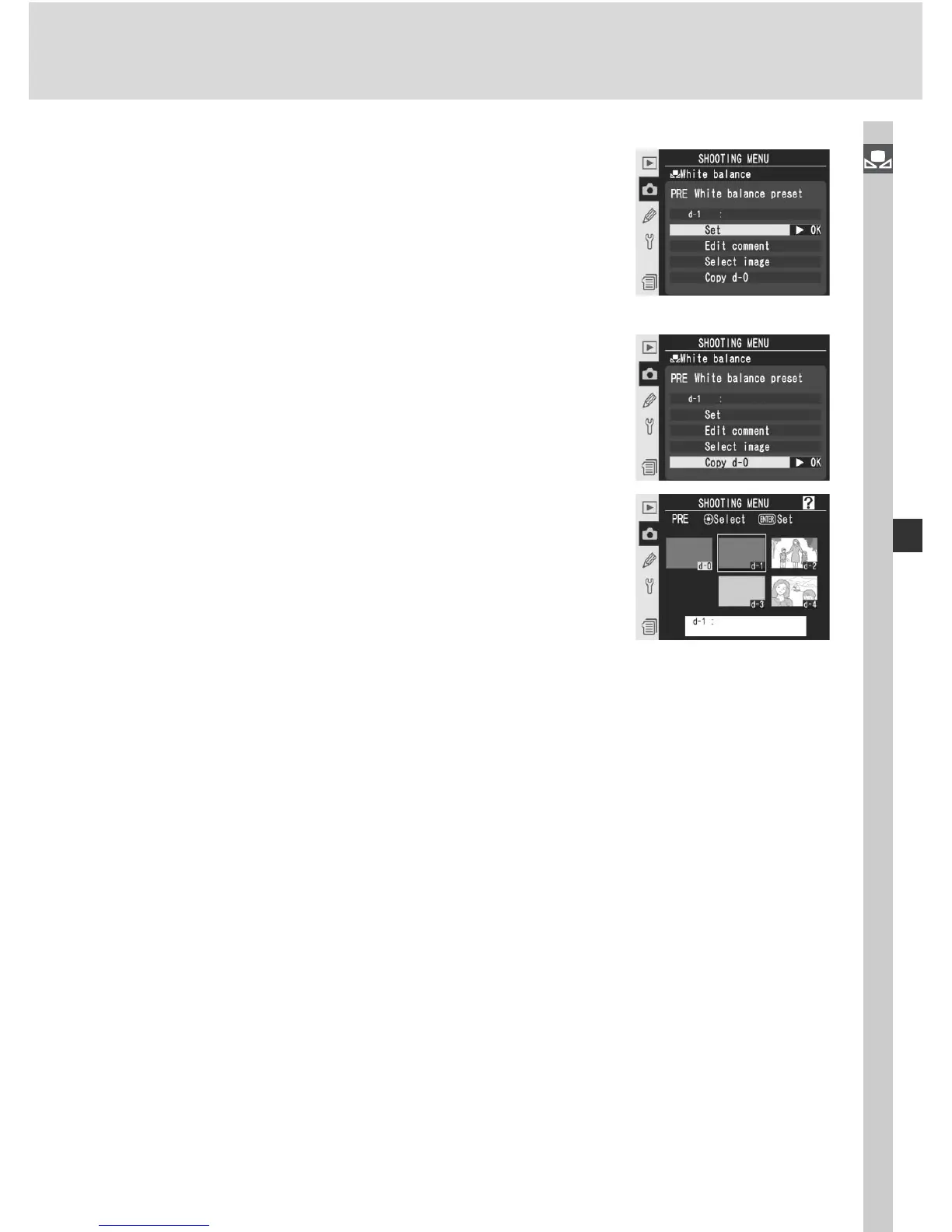
Copying White Balance from d-0 to Presets d-1 – d-4
To copy a measured value for white balance
from d-0 to any of the other presets (d-1 – d-4),
highlight the destination preset in the thumbnail
display and press the center of the multi selector
as described in steps 1–3 on page 64. The menu
shown at right will be displayed.
1
Press the multi selector up or down to high-
light Copy d-0.
2
Press the multi selector to the right to copy
white balance from d-0 to the selected preset
and return to the thumbnail display. If com-
ment has been created for d-0, the comment
will be copied to the comment for the selected
preset.



 To Next Page