45
z
A NEF (RAW) Images
Note that the option selected for image size does not affect the size of NEF (RAW) or NEF
(RAW)+JPEG images.
Print date (0 144) is not available at image quality settings of NEF
(RAW) or NEF (RAW)+JPEG.
NEF (RAW) images can be viewed on the camera or using software such as Capture NX 2
(available separately; 0 176) or ViewNX 2 (available on the supplied ViewNX 2 CD).
JPEG
copies of NEF (RAW) images can be created using the NEF (RAW) processing option in the
retouch menu (0 157).
A NEF (RAW) + JPEG Fine
When photographs taken at NEF (RAW) + JPEG fine are viewed on the camera, only the
JPEG image will be displayed.
When photographs taken at these settings are deleted, both
NEF and JPEG images will be deleted.
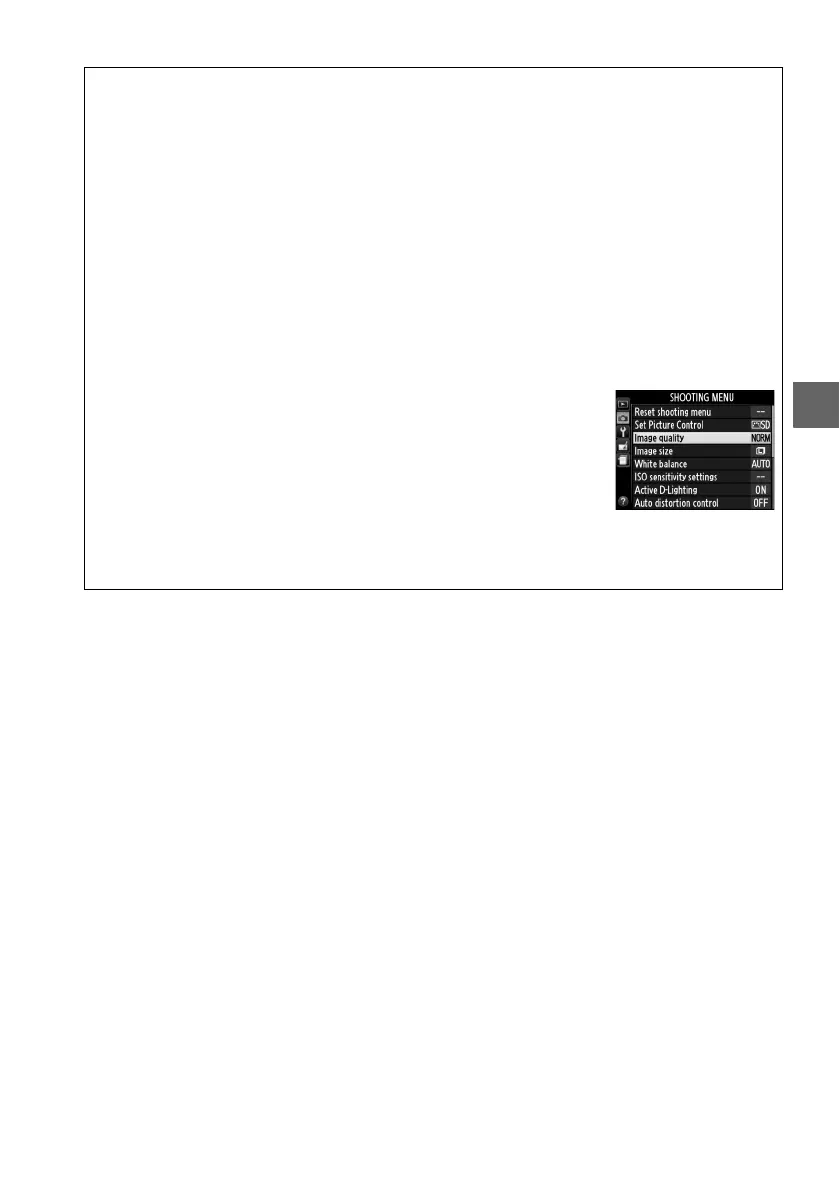
A The Shooting Menu
Image quality can also be adjusted using the Image quality option
in the shooting menu (0 127).
A The Fn Button
Image quality and size can also be adjusted by pressing the Fn button and rotating the
command dial (0 143).



 To Next Page