176 Playback and Deletion
Slide Show Options
Before starting a slide show, you can use the options in the slide
show menu to select the images displayed by type or rating and
choose how long each image is displayed.
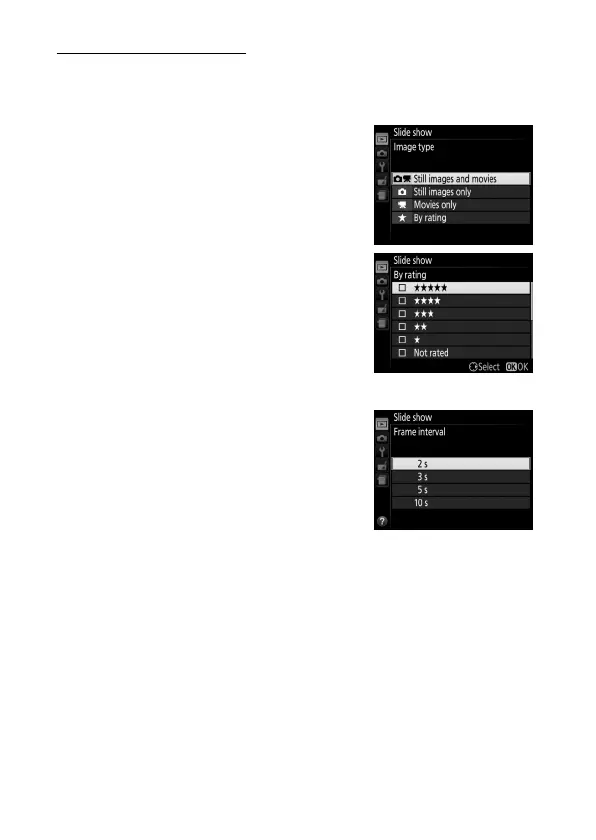
• Image type: Choose from Still images
and movies, Still images only,
Movies only, and By rating.
To
include only pictures with selected
ratings, highlight By rating and press
2.
A list of ratings will be displayed;
highlight ratings and press 2 to select
or deselect pictures with the
highlighted rating for inclusion in the
slide show.
Selected ratings are
indicated by a check mark.
Press J to
exit when the desired ratings are
selected.
• Frame interval: Choose how long still
images are displayed.



 To Next Page
 Loading...








