18
Recording Movies
1
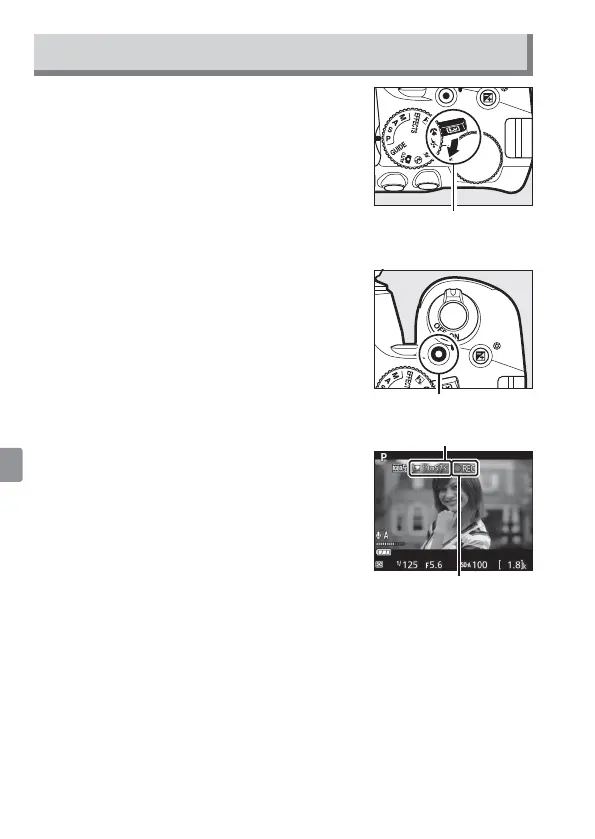
Rotate the live view switch.
The view through the lens will be
displayed in the monitor.
Live view switch
2
Press the shutter-release button halfway to focus.
3
Press the movie-record button to start
recording.
Movie-record button
A recording indicator and the time
available are displayed in the monitor.
Time remaining
Recording indicator
4
Press the movie-record button again to end recording.
5
Rotate the live view switch to exit live view.



 To Next Page