19
Viewing Photographs
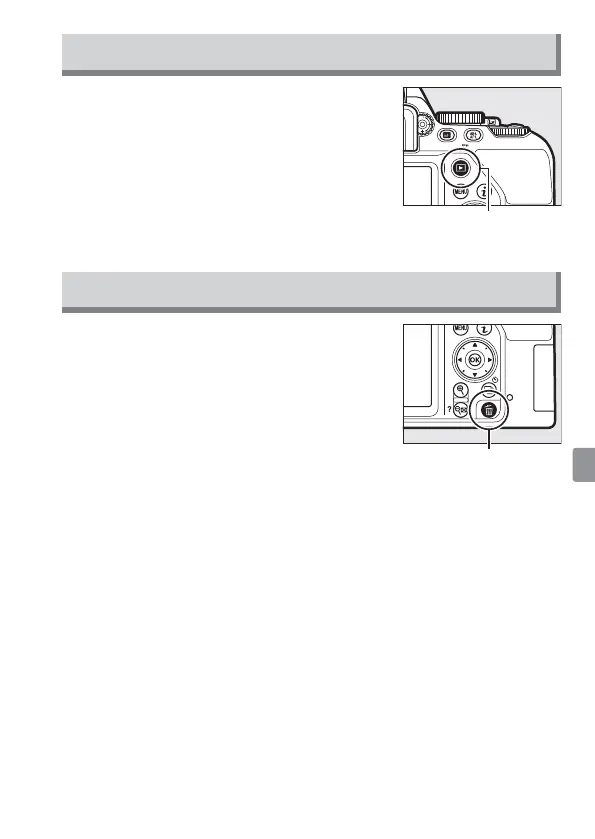
Pressing K displays a picture in the monitor.
Movies are indicated by a 1 icon. Press J to
start playback.
K button
Deleting Unwanted Photographs
Note that photographs
cannot be recovered
once deleted.
• Press the O button. A con rmation dialog
will be displayed; press the O button again
to delete the image and return to playback.
• To exit without deleting the picture, press
K.
O button



 To Next Page