4
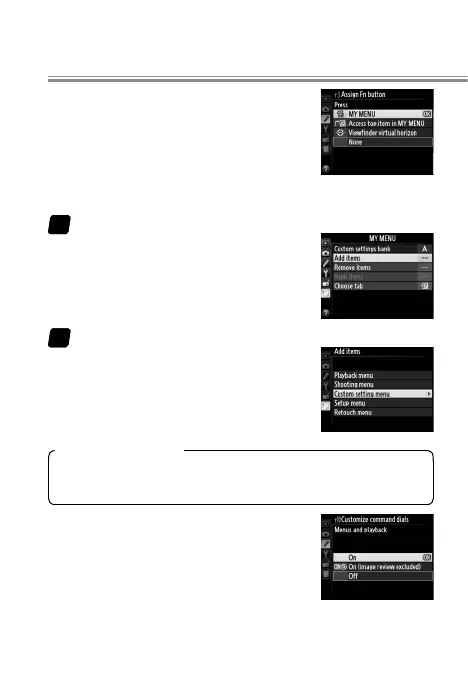
f3 Assign Fn button/f4 Assign preview button >
Press > MY MENU: Add Custom settings
bank to My Menu and then use the Fn
or Pv button to quickly select a bank ac-
cording to the scene. To add items to
My Menu:
Select Add items.
In My Menu, highlight Add items
and press 2.
Add items.
Navigate to the item you wish to
add and press J, then position the
new item and press J again to add
it to My Menu.
Custom Settings Banks
Custom settings are stored in four banks (A, B, C, and D).
Changes to one bank have no e ect on the others.
f10 Customize command dials > Menus and play-
back > On: Use the main command dial to
scroll through pictures in full-frame play-
back without changing the zoom ratio, a
handy feature when you want to check
focus for multiple pictures.
11
22
Taking Photographs



 To Next Page