5
Improving Camera Response
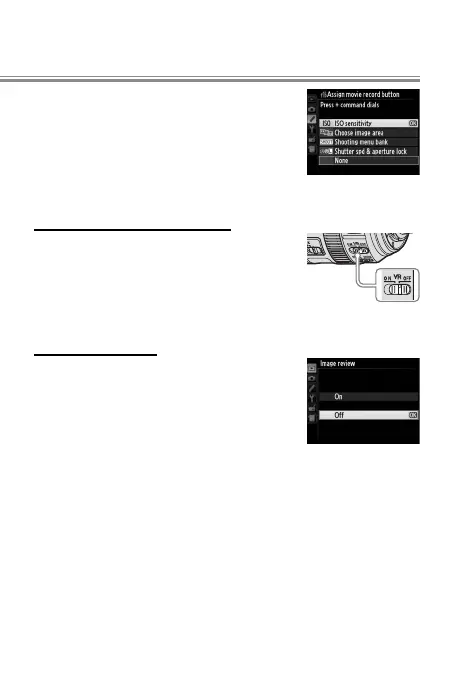
f16 Assign movie record button > Press + command
dial > ISO sensitivity: When taking photos,
use your right hand on the movie record
button and main command dial to set
ISO sensitivity without taking your eye
from the view nder.
Lens Vibration Reduction (VR)
Lens Vibration Reduction (VR)
Lens VR switch > OFF: Vibration is unlikely to
a ect photographs at shutter speeds of
⁄ s or faster. For accurate framing at
high shutter speeds, turn vibration re-
duction o .
D
Playback Menu
Image review > O : Turning image review
o improves shutter response during
burst photography. Pictures can be
viewed by pressing K.



 To Next Page