8
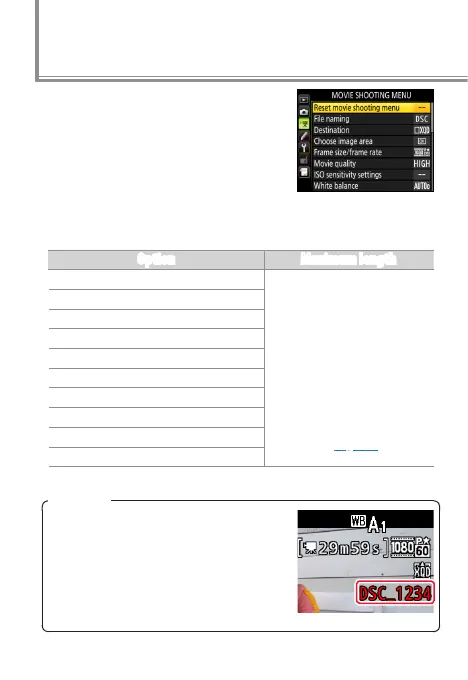
Before recording, adjust settings in
the movie shooting menu.
Frame Size/Frame Rate
Choose an option according to how you will use the movie.
Option Maximum length
r
3840× 2160 (4K UHD); 30p
29min. 59s (recorded
across up to 8 files of up to
4GB each; the number and
length of the files varies
with Frame size/frame
rate and Movie quality;
files can be joined together
using ViewNX-i as described
on page 37).
s
3840× 2160 (4K UHD); 25p
t
3840× 2160 (4K UHD); 24p
y/y 1920× 1080; 60p
z/z 1920× 1080; 50p
1/1 1920× 1080; 30p
2/2 1920× 1080; 25p
3/3 1920× 1080; 24p
4/4 1280× 720; 60p
5/5 1280× 720; 50p
l
Before Recording
File Names
During recording, a new le is cre-
ated when the current le reaches
4GB. Normally displayed in white, the
le name in the information display
ashes amber 30s and turns red 10s
before a new le is created.



 To Next Page
 Loading...











