45
z
Manual Focus
Manual focus can be used when you are not using an AF-S or AF-I lens or when
autofocus does not produce the desired results (0 40).
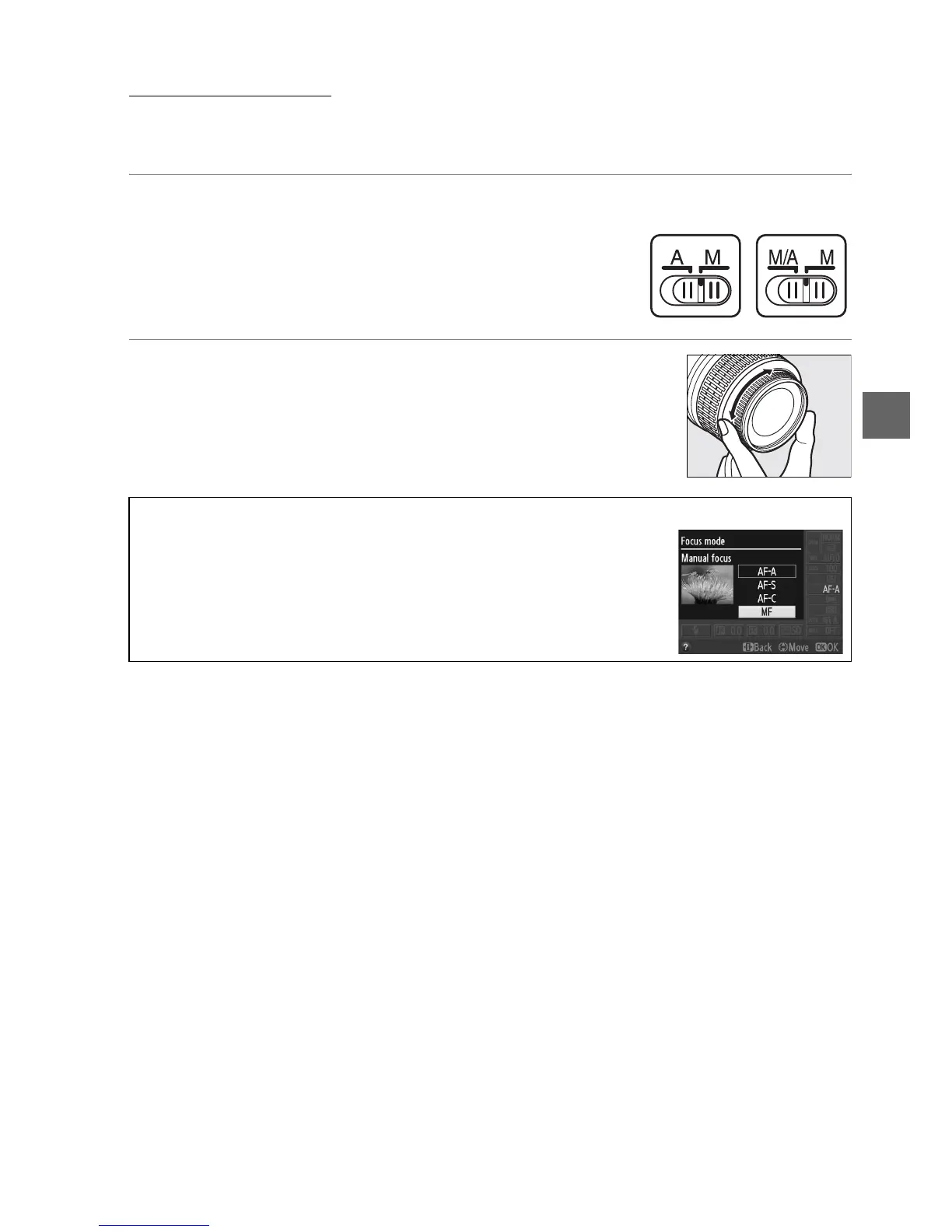
1 Set the lens focus-mode switch.
If the lens is equipped with an M/A-M or A-M mode
switch, slide the switch to M.
2 Focus.
To focus manually, adjust the lens focus ring until the
image displayed on the clear matte field in the viewfinder
is in focus.
Photographs can be taken at any time, even
when the image is not in focus.
A Selecting Manual Focus with the Camera
If the lens supports M/A (autofocus with manual override), manual
focus can also be selected by setting the camera focus mode to MF
(manual focus; 0 39).
Focus can then be adjusted manually,
regardless of the mode selected with the lens.
A-M mode
switch
M/A-M
switch



 To Next Page