167
g
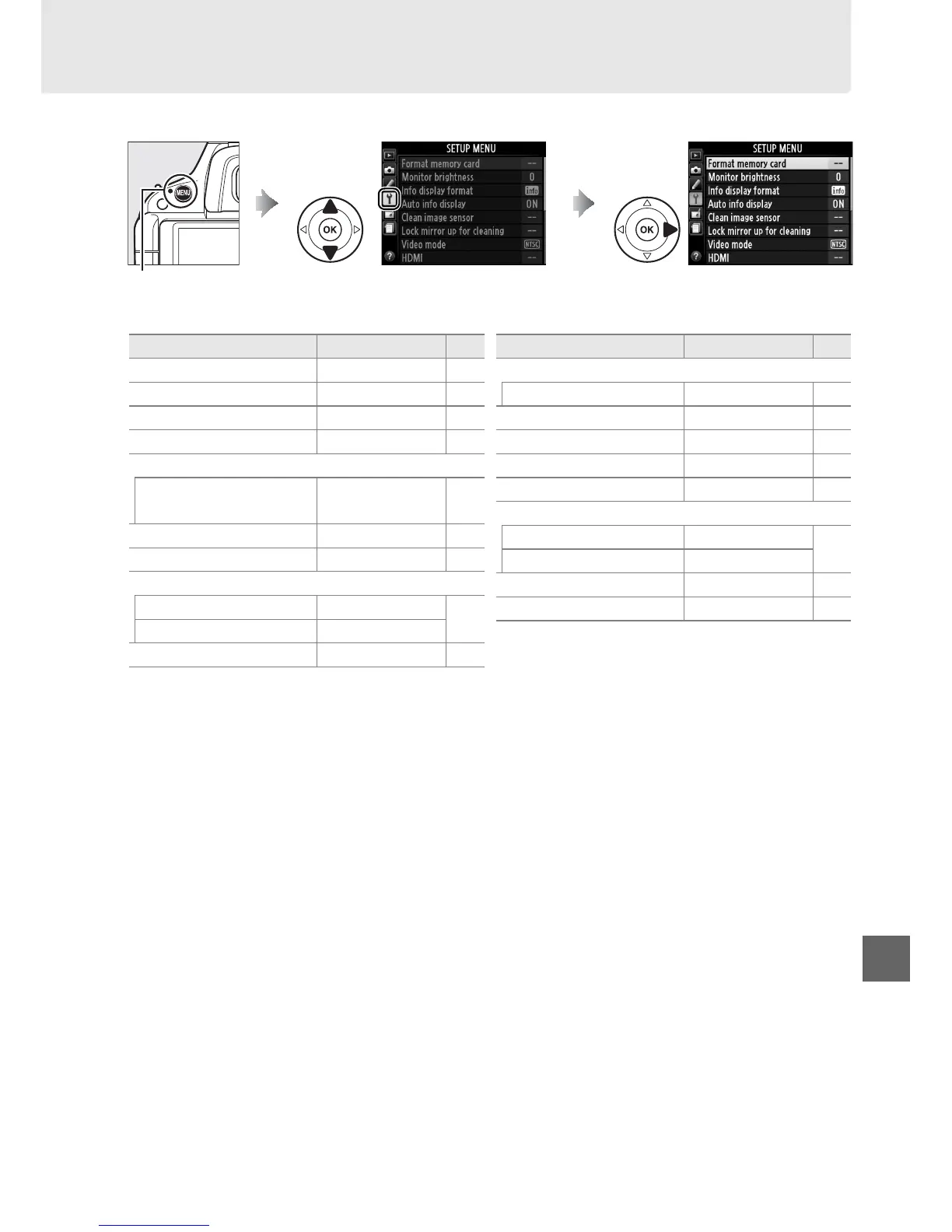
B The Setup Menu: Camera Setup
To display the setup menu, press G and select the B (setup menu) tab.
The setup menu contains the following options:
1 Not available when battery is low.
2 Default varies with country of purchase.
3 Only available when compatible Eye-Fi memory card is inserted (0 175).
Note: Depending on camera settings, some items may be grayed out and unavailable.
G button
Option Default 0
Format memory card — 22
Monitor brightness 0 168
Info display format Graphic/black 168
Auto info display On 170
Clean image sensor
Clean at startup/shutdown
Clean at startup &
shutdown
210
Lock mirror up for cleaning
1
— 212
Video mode
2
— 170
HDMI
Output resolution Auto
148
Device control On
Flicker reduction
2
— 170
Time zone and date
2
Daylight saving time Off 170
Language
2
— 171
Image comment — 171
Auto image rotation On 172
Image Dust Off ref photo — 172
GPS
Auto meter-off Enable
174
Use GPS to set camera clock Ye s
Eye-Fi upload
3
Enable 175
Firmware version — 175
Option Default 0



 To Next Page