123
I
I
More on Playback
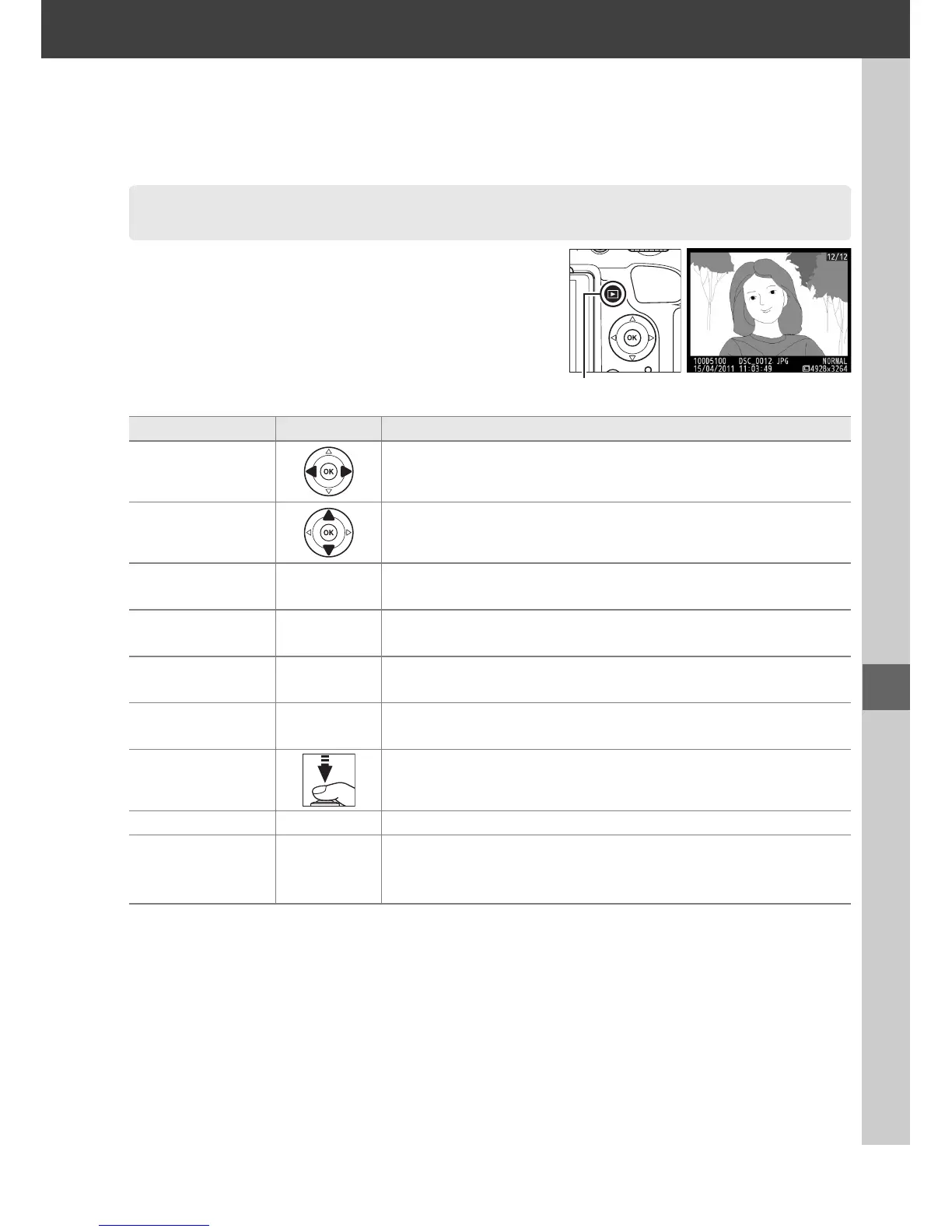
To play photographs back, press the K button.
The most recent photograph will be displayed in
the monitor.
Full-Frame Playback
To Use Description
View additional
photographs
Press 2 to view photographs in order recorded, 4 to view
photographs in reverse order.
View photo
information
Press 1 or 3 to view information about current photograph
(0 124).
View thumbnails W
See page 129 for more information on the thumbnail
display.
Zoom in on
photograph
X See page 131 for more information on playback zoom.
Delete images O
Confirmation dialog will be displayed. Press O again to
delete photo.
Change protect
status
L (A)
To protect image, or to remove protection from protected
image, press
L
(
A
) button (
0
132).
Return to
shooting mode
Press shutter-release button halfway.
Monitor will turn off;
photographs can be taken immediately.
Display menus G See page 149 for more information.
Retouch photo or
play movie
J
Create retouched copy of current photograph (0 176).
If
current picture is marked with 1 icon to show that it is a
movie, pressing J starts movie playback (0 110).
K button



 To Next Page