Copy the firmware to the memory card
To copy the firmware to the memory card, a computer is used.
1
Connect the card reader to the computer and insert a formatted memory card.
If Nikon Transfer is installed, it will start automatically; to exit, select Quit
Nikon Transfer from the Nikon Transfer menu.
2
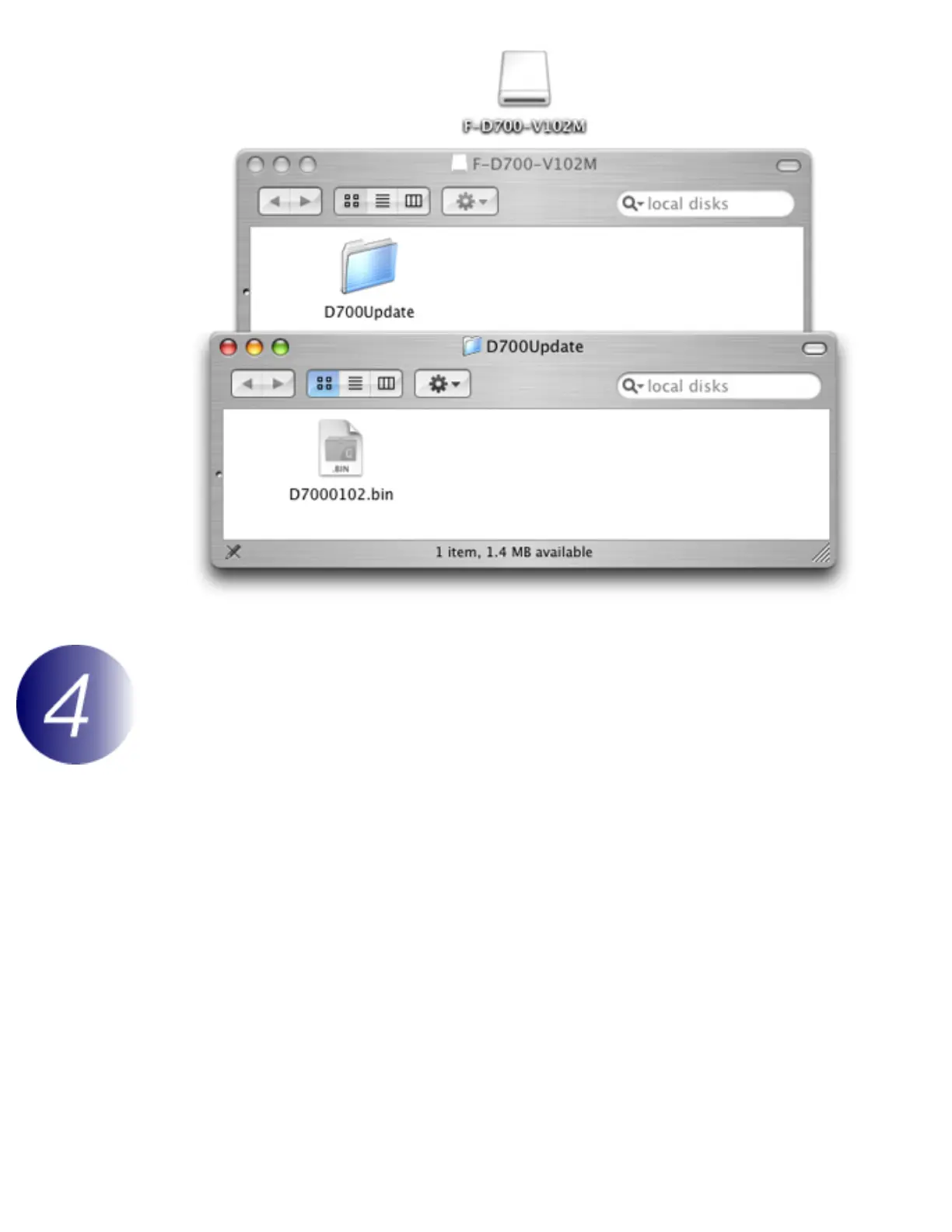
Copy the firmware to the memory card.
2-1. A camera volume will appear on the desktop. Copy “D7000102.bin” from the
“D700Update” folder this volume.



 To Next Page