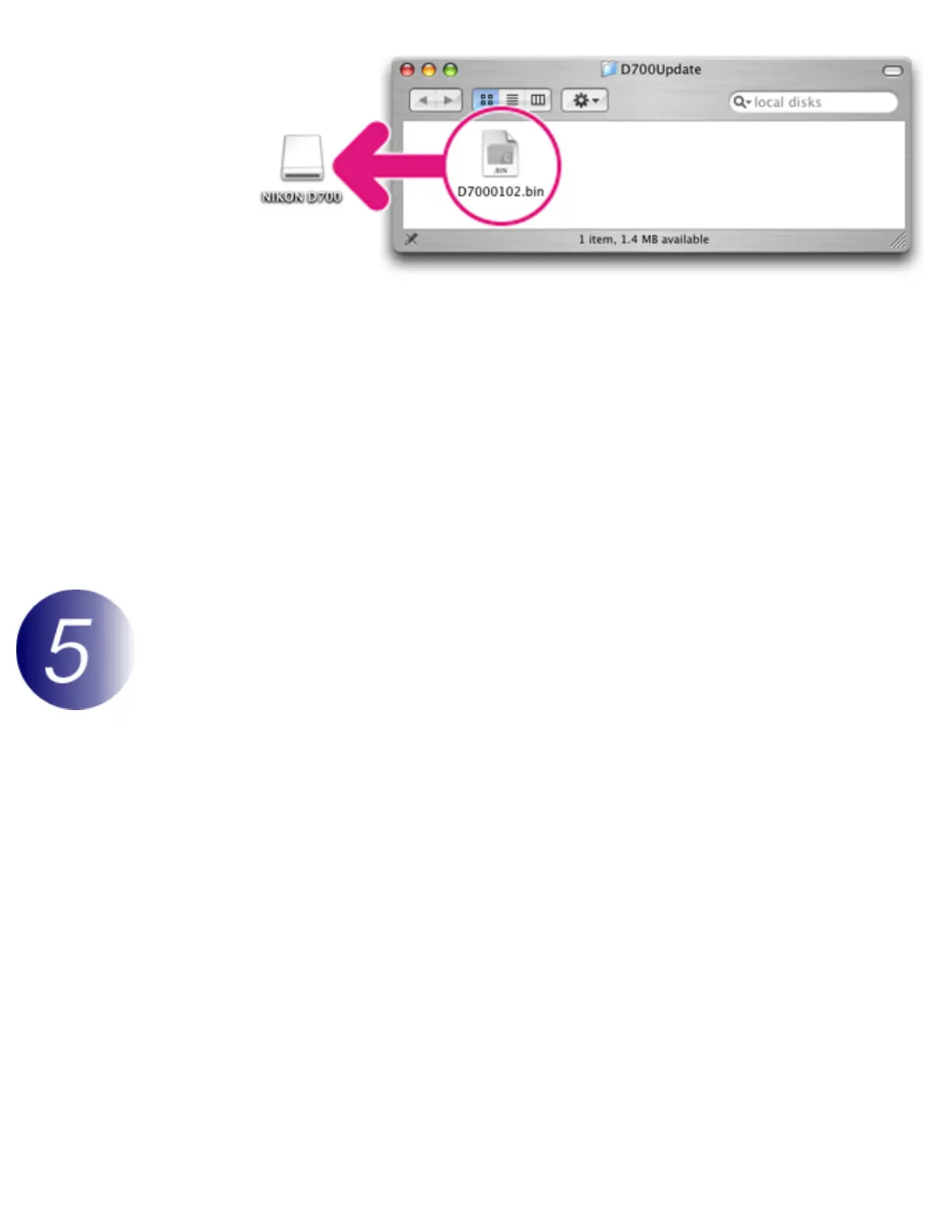
2-2. When copying is complete, confirm that the camera volume contains the
“D7000102.bin”.
3
Drag the camera volume into the Trash and remove the memory card from the
card reader.
Important
Be sure to copy the firmware to the root directory of the memory card. The camera will not
recognize the new firmware if it is placed in a folder under the root directory.
Update the camera firmware
During the update, do not:
Remove the memory card
Turn the camera off
Operate any of the camera controls
Attach or remove lenses
Unplug or disconnect the AC adapter
Remove the battery
Subject the camera to powerful electromagnetic noise
Any of the above actions could cause the camera to become inoperable.
1
Insert the memory card containing the firmware into the camera.
2
Turn the camera on.



 To Next Page