A-automatic
exposure
mode
With the
FG
set
on
A,
you select the flstop and the
computer matches
it
with the correct stepless shutter
speed. The A mode
is
especially useful for creating
special effects
in
depth of field while still using the
camera
on
automatic mode to assure perfect
ex-
posure (aperture-priority selection) Deeper depth of
field (or greater focus zone
in
foreground and back-
ground around subject) is achieved
as
you stop down
the
lens to its smaller aperture openings (larger
f/numbers). Shallower depth of field (soft
ly
blurred
both
in
front and behind your main subject) results
from larger aperture openings (smaller flnumbers)
and emphasizes the main
subject.
28
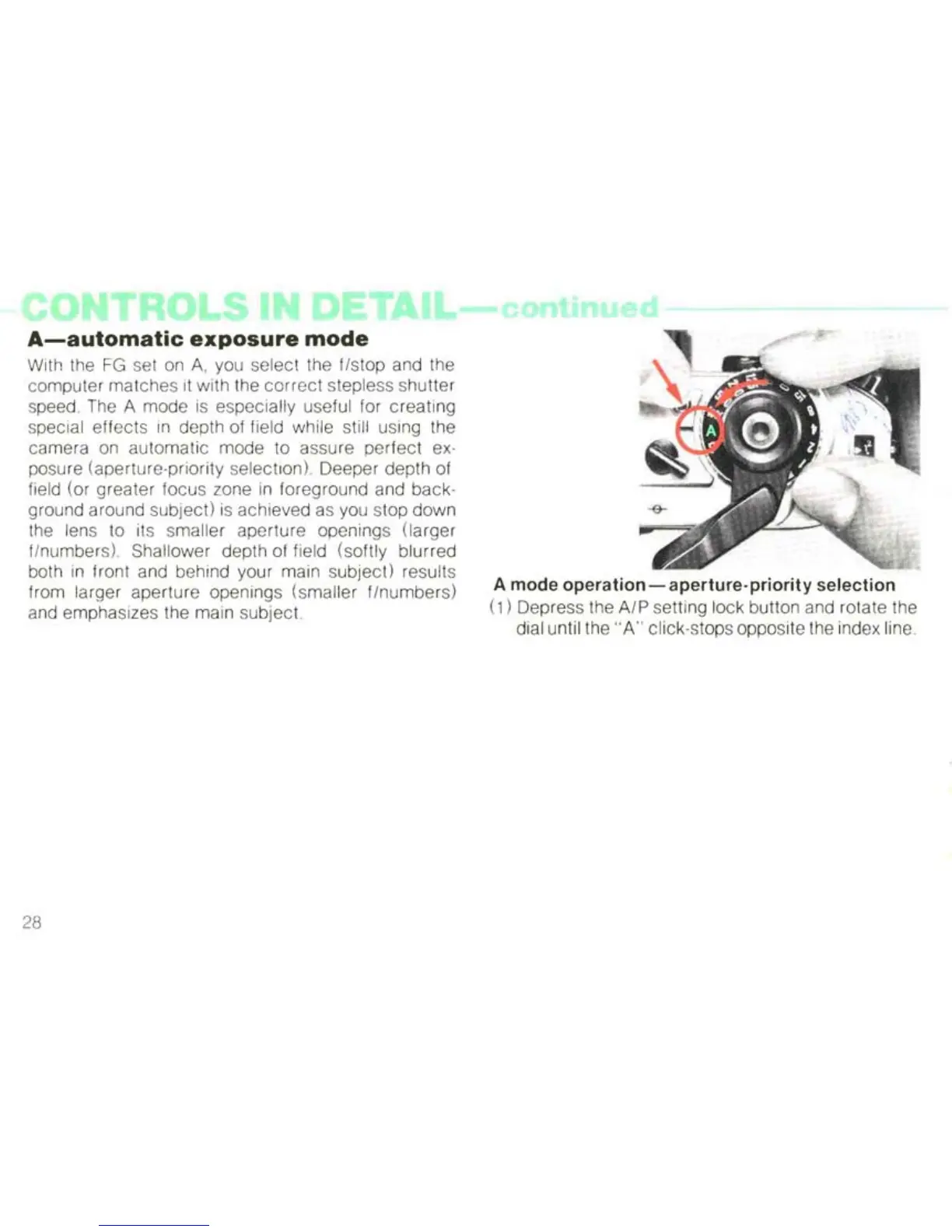
A mode
operation-aperture-priority
selection
(1) Depress the
AlP
setting lock button and rotate the
dial until the
"A"
click-stops opposite the index line



 To Next Page