Status
Blinks
red
Blinks GPS data not recorded.
Blinks
green
On
Three satellites detected;
GPS data recorded.
On
(green)
Four or more satellites de-
tected; GPS data are more
accurate.
Page 1 of 4
1
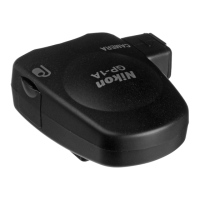
Connect the GP-1A (page 7 , 8) and turn the
camera on.
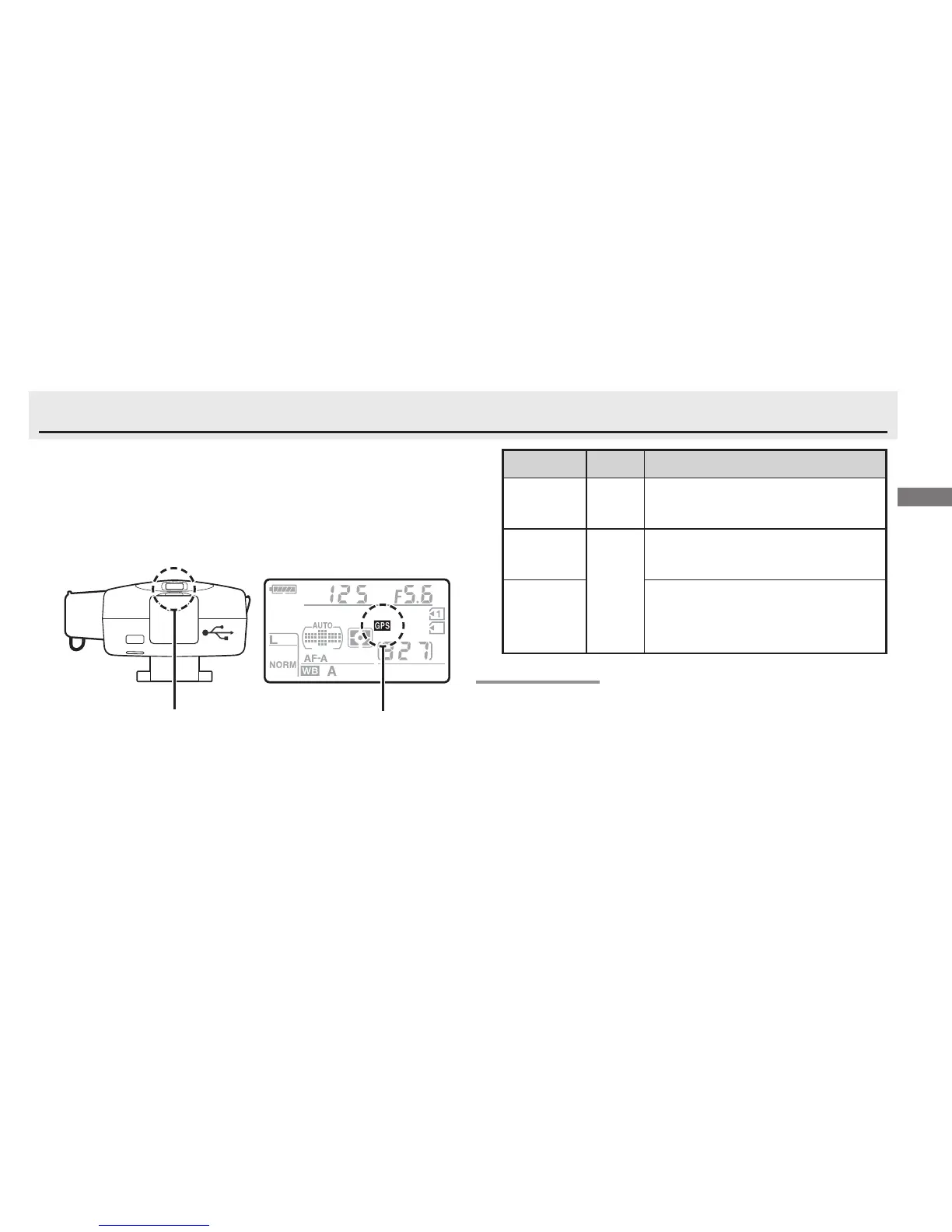
The GP-1A LED (햲) will light and
a
O icon will be displayed in the control panel
on top of the camera.
LED O
icon (illustration shows
control panel for the
D7000 digital camera)
The GPS Signal
GPS data will be recorded only if the GP-1A is able
to detect three or more satellites.
If no signal is re-
ceived from the GP-1A for over two seconds, the
O icon will no longer be displayed in the control
panel and no GPS data will be recorded.






 To Next Page