EasyManua.ls Logo

Nikon MD-3 - DOUBLE;MULTIPLE EXPOSURES; Using S Setting for Exposures

Nikon MD-3
25 pages
Print Icon
To Next Page IconTo Next Page
To Previous Page IconTo Previous Page
Loading...
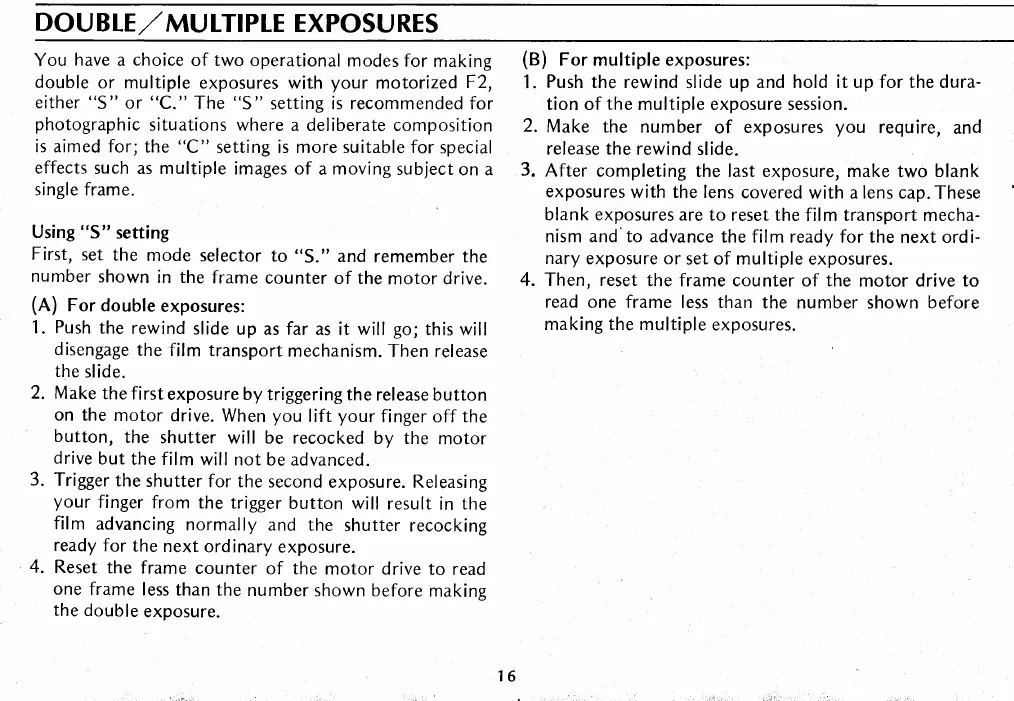
DOU
BLE,/
MU ITIPLE
EXPOSU
RES
You
have
a
choice
of two operational
modes for
making
double
or multiple
exposures with
your
motorized
F2,
either "S"
or "C."
The "S"
setting is recommended for
photographic
situations
where a deliberate composition
is aimed for;
the "C"
setting is more suitable for
special
effects
such as multiple
images of
a
moving
subject
on a
single frame.
Using
"S" setting
First,
set
the
mode
selector
to
"S."
and
remember the
number
shown
in the
frame
counter
of the
motor drive.
(A)
For double
exposures:
1.
Push
the
rewind
slide
up as far as it will
go;
this will
disengage
the film
transport
mechanism.
Then release
the
slide.
2.
Make
the first
exposure by
triggering the
release button
on the
motor
drive.
When
you
lift
your
finger off the
button,
the
shutter
will be recocked
by the
motor
drive
but
the film
will not
be advanced.
3.
Trigger
the
shutter
for the
second
exposure.
Releasing
your
finger
from
the trigger
button will
result
in
the
film
advancing
normally
and the
shutter recocking
ready
for
the
next
ordinary
exposure.
4.
Reset
the
frame
counter
of the
motor drive
to read
one
frame
less
than the
number
shown before
making
the double
exposure.
(B)
For multiple exposures:
1.
Push
the rewind
slide
up and hold it up for the dura-
tion of
the
multiple exposure session.
2.
Make
the number
of
exposures
you
require,
and
release the
rewind slide.
3.
After completing
the last exposure, make
two
blank
exposures
with the lens
covered
with a lens cap.These
blank exposures
are to
reset
the
film transport mecha-
nism and'to advance
the film ready for the
next ordi-
nary
exposure or
set of multiple exposures.
4. Then, reset
the frame counter
of
the
motor drive to
read
one
frame
less than
the number shown before
making the multiple
exposures.

Related product manuals