EasyManua.ls Logo

Nikon MD-3 - Using C Setting for Exposures

Nikon MD-3
25 pages
Print Icon
To Next Page IconTo Next Page
To Previous Page IconTo Previous Page
Loading...
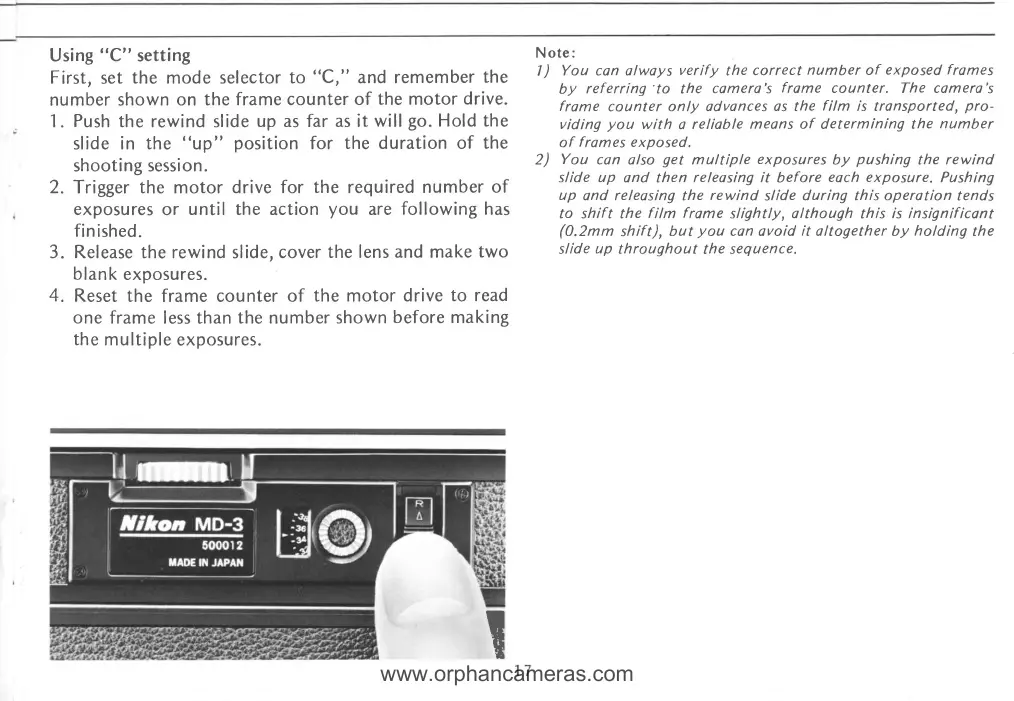
Using
'3C"
setting
First,
set
the mode selector
to
"C:'and
remember
the
number shown
on the
frame counter
of
the
motor
drive.
1.
Push
the rewind slide
up as far as it
will
go.
Hold the
slide in the
"up"
position
for
the duration of
the
sh oot
i
ng sessi o n .
2.
Trigger the motor
drive for the required
number
of
exposures or
until the
action
you
are
following has
finished.
3. Release the rewind
slide,
cover
the lens
and make
two
blank
exposures.
4.
Reset
the frame counter
of the motor
drive
to read
one
frame less than
the
number
shown
before
making
the
multiple
exposures.
Note:
|
)
You con alwoys
verify
the
correct
number
of
exposed
frames
by
referring'to the
comera's
frome
counter. The camere's
frame
counter
only advonces
os the
film
is transported,
pro-
viding
you
with
a
reliable
means of
determining
the
number
of
f
rames
exposed.
2)
You
can also
get
multiple
exposures
by
pushing
the
rewind
slide up
and then
releasing it
before
each exposure.
Pushing
up
and releasing
the
rewind
slide
during this operation
tends
to shift the
film
frame
slightly,
although
this
is insignificant
(0.2mm
shift), but
you
con avoid
it
altogether by
holding
the
slide
up
throughout
the
sequence.
!
www.orphancameras.com

Related product manuals