19
En
Es
Fr
Pb
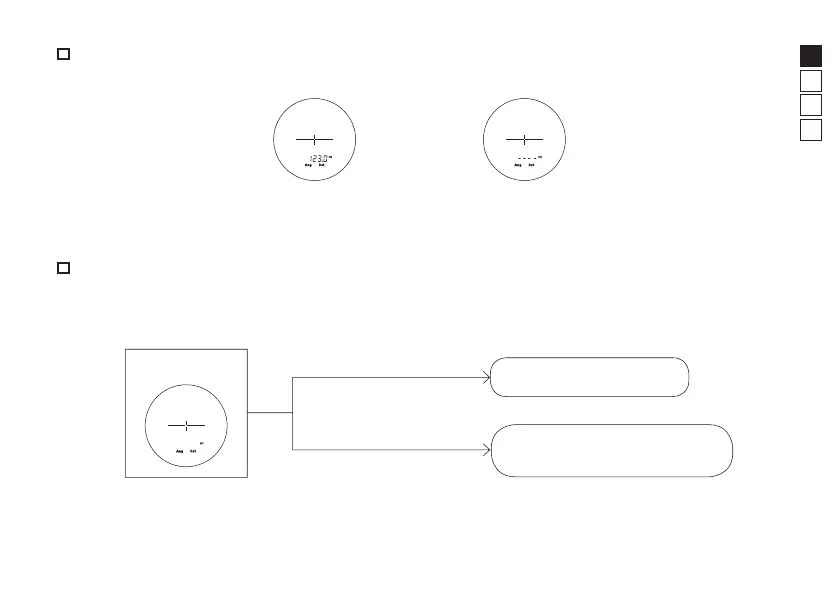
Single measurement
Pressing the PWR button once starts single measurement, then displays the results.
Example of measured
distance display
Example of measurement
failure
Continuous measurement
Press and hold down the PWR button to start continuous measurement up to approx. 8 seconds. During
measurement, the measured result is displayed consecutively while the laser irradiation mark is blinking. If
you release your finger from the button, continuous measurement stops.
Standby
Continuous measurement
Press the PWR button once
Press and hold down the PWR
button
Single measurement











 To Next Page