10 11
ADVANCED WIRELESS LIGHTING
Optical Control
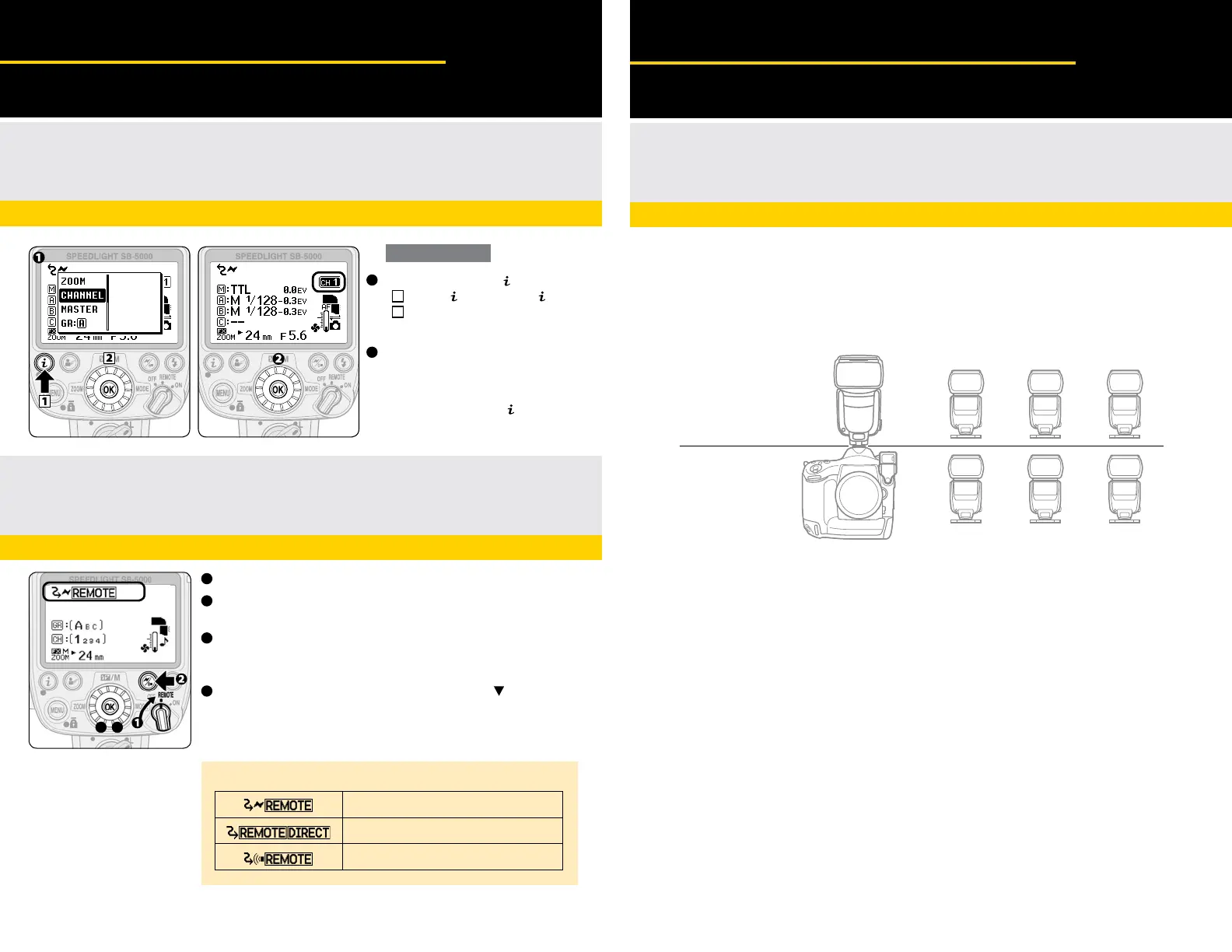
Setting the Master Flash Unit: Optical Control
(Line-of-sight)
with D5, D500, D4 series, D800 series, D750, D610, Df, D7200
Setting a Remote Flash Unit in an
Optical Control (Line-of-sight) Configuration
Remote Flash Unit Setting
ADVANCED WIRELESS LIGHTING
Optical & Radio Control Concurrently
Using Optical Control and Radio Control
Concurrently
The following combinations enable group flash using
optical control and radio control concurrently.
Master flash unit (Optical Control)
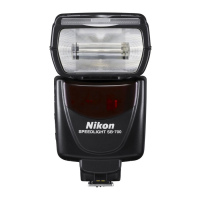
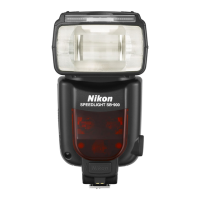
Speedlight models with the master flash function, such as SB-900 series, SB-800, SB-700 or the SU-800 Commander,
attached to a camera can be used as the master flash unit to control remote flash unit groups A, B and C.
Important NOTE:
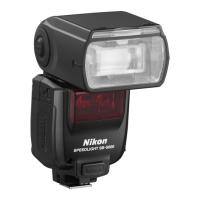
The SB-5000 cannot be used as the master flash unit when using optical control and radio control concurrently
Remote flash unit groups A, B and C (Optical Control)
Up to 3 groups of remote flash units (A, B, C) can be set up for optical control.
Choose optical control remote mode when using the SB-5000 as remote flash unit in groups A, B and C.
SB-900 series, SB-800, SB-700, SB-600, SB-500 can be used as a optical remotes
Remote flash unit groups D, E and F (Radio Control)
Up to 3 groups of remote flash units (D, E, F) can be set up for radio control.
Camera with the WR-R10/WR-A10 attached controls the flash function.
Set the power switch to REMOTE
Press the wireless setting button to choose optical
(line-of-sight) control mode
Set the groups (A/B/C) by pressing the selector dial on the
bottom to highlight the Groups. Match the Groups with what
you have selected on the Master Speedlight
Set the channel (1-4) by pressing the selector dial on the
bottom to highlight the channels. Match the channel with what
you have selected on the Master Speedlight
1
Choose [CHANNEL] in
menu
• Press the
button to display
menu
Use the rotary multi selector to choose
[CHANNEL], and then press the OK button.
Use the rotary multi selector to
choose a channel, and then
press the OK button
• Flash mode and flash compensation value
can also be configured in
menu.
2
1
1
2
With optical control
Optical control remote mode
Direct remote mode
Radio control remote mode
Optical control
with Speedlight
other than the
SB-5000
Radio control
with camera
Master flash unit
(other than the SB-5000)
WR-R10 / WR-A10
attached to camera
Remote flash units
Remote flash units
Group A
Group D
Group B
Group E
Group C
Group F
Control type information
2
3
4
3 4



 To Next Page