8 9
D500 User’s Manual:
1 Go to MY MENU options (page 313) and add Flash Control from the Photo
Shooting menu (page 283) and move it to the top item in MY MENU.
2 From the Controls menu located in the Custom Settings Menu (page 305): Choose
the roles assigned to camera controls, either alone or in combination with the
command dials.
3 Select one of the following options: Preview Button or Fn1 or Fn2 Buttons.
From the options: Select “Access top menu item in MY MENU option”.
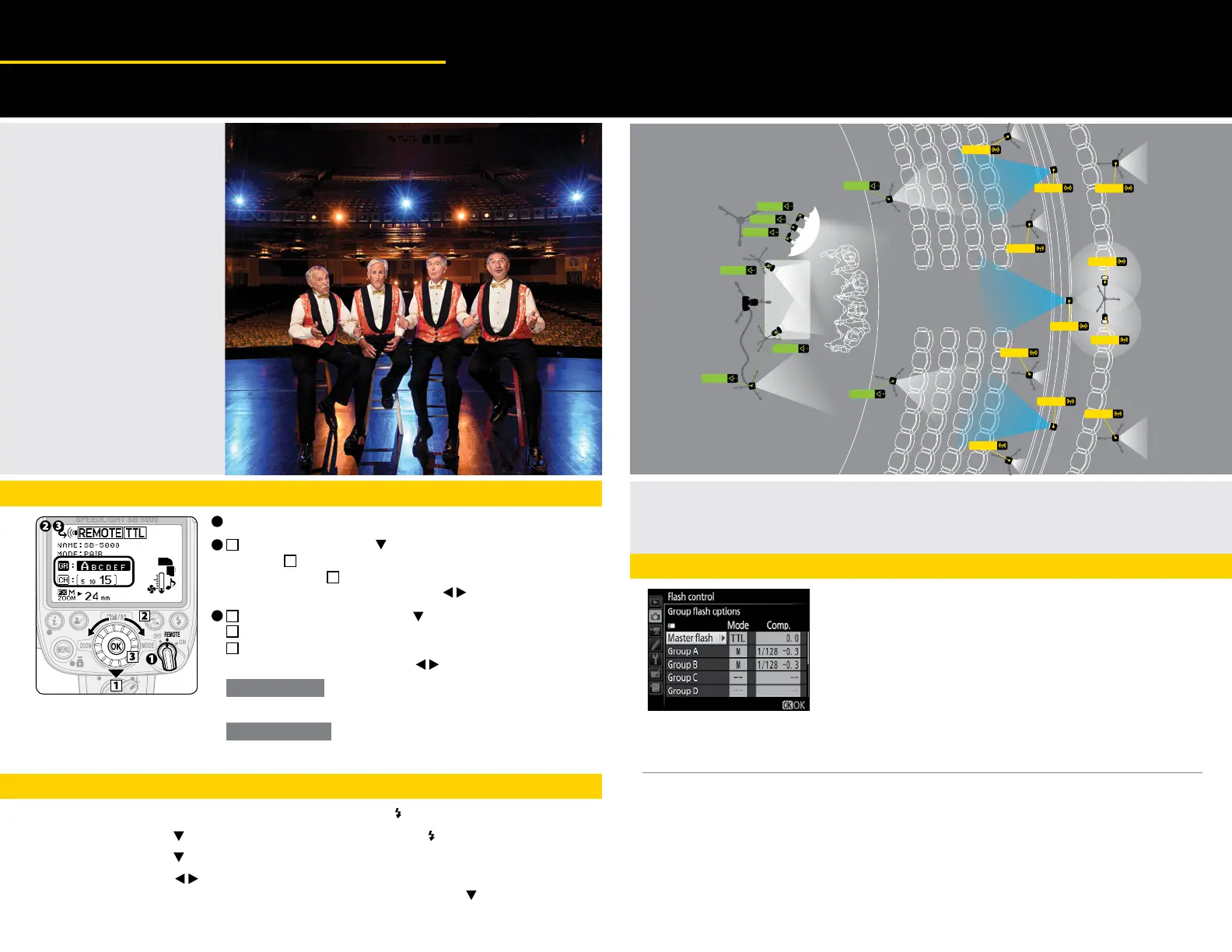
When using SB-5000 in its Radio Control mode — every time that you press the button assigned, the Flash Control Menu will appear,
making it quicker to select the flash options for each Speedlight.
D5 User’s Manual:
1 Go to MY MENU options (page 314) and add Group Flash Options from Flash Control located in the Photo Shooting
menu (page 289) and move it to the top item in MY Menu.
2 From the Controls menu located in the Custom Settings Menu: Choose the roles assigned to camera controls, either
alone or in combination with the command dials.
3 Select the option of Preview Button or Fn1 or Fn2 From the options: Select Access top menu item in MY MENU option.
When using SB-5000 in its Radio Control mode — every time that you press the button assigned, the Flash Control
Menu will appear, making it quicker to select the flash options for each Speedlight.
One Button Access to the Flash Control Menus when using D5 or D500
ADVANCED WIRELESS LIGHTING
Radio Control
Time Saving Tips
©Joe McNally
Setting a Radio
Control Remote
Flash Unit
Step 1 - Remote Flash Unit Setting
Set the power switch to REMOTE
Press the multi-selector on the remote flash unit to highlight
the group, rotate the rotary multi-selector to choose
a group, and then press the ok button
• Alternatively, press the rotary multi selector to choose a group.
Press the rotary multi-selector to highlight the channel
rotate the rotary multi-selector to choose a channel, and then
press the OK button.
• Alternatively, press the multi-selector to choose a channel.
3
2
1
1
2
3
2
3
• Be sure to choose the same channel number as set on the WR-R10.
With radio control
•
Be sure to choose the same channel number as set on the master flash unit.
With optical control
(3) SB-910’s
shoot through
umbrella
Three SC-29
cords linking
commander flash
to camera
Speedlights
on stage and
close to stage fired
line-of-sight
D500 with
16-80mm
zoom lens
(1/15
th
sec., f7.1, ISO 400)
Two
SB-910’s
bounce into
silver
reflector
Blue Gel
Blue Gel
Blue Gel
SB-5000
SB-5000
SB-5000
SB-5000
SB-5000
SB-5000
SB-5000
SB-5000
SB-5000
SB-5000
SB-5000
SB-910
SB-910
SB-910
SB-910
SB-910
SB-910
SB-910
SB-910
• Group name and channel
number being set appears larger.
1. Press the center multi-selector and highlight Flash control CMD
2. Press the multi-selector to Remote flash control and highlight GRP Group flash
3. Press the multi-selector and highlight Group flash options
4. Press the multi-selector to choose the Group that you set on the SB-5000 and choose the
Mode by highlighting the Mode option for the selected group and using the choose the
Group flash options.
Step 2 - Flash Control Menu Settings on the Camera
1


 To Next Page
 Loading...