En_01
5
Wireless Connections
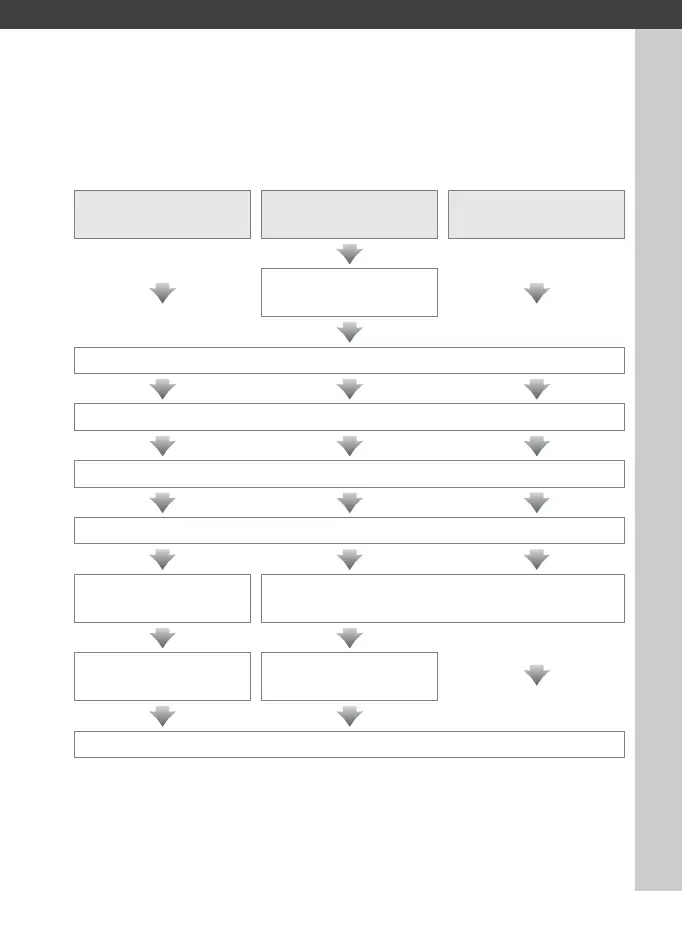
Follow the steps below to connect to a wireless network.
FTP upload
Image transfer/
camera control
HTTP server
Install the Wireless
Transmitter Utility
Step 1: Ready the camera and WT-5 (07)
Step 2: Select the WT-5 (08)
Step 3: Run the connection wizard (08)
Step 4: Adjust network settings (016)
FTP Upload (016)
Image Transfer, Camera Control, and HTTP
Server (019)
Configure the server
Pair the camera and
computer
Connect



 To Next Page