En_01
25
Appendices
After creating a network profile, turn the camera on and follow the
steps below to access the camera from a computer or iPhone.
Windows 7............................................................................................ 025
Windows Vista..................................................................................... 027
Windows XP......................................................................................... 029
Mac OS X............................................................................................... 030
iPhone.................................................................................................... 031
❚❚ Windows 7
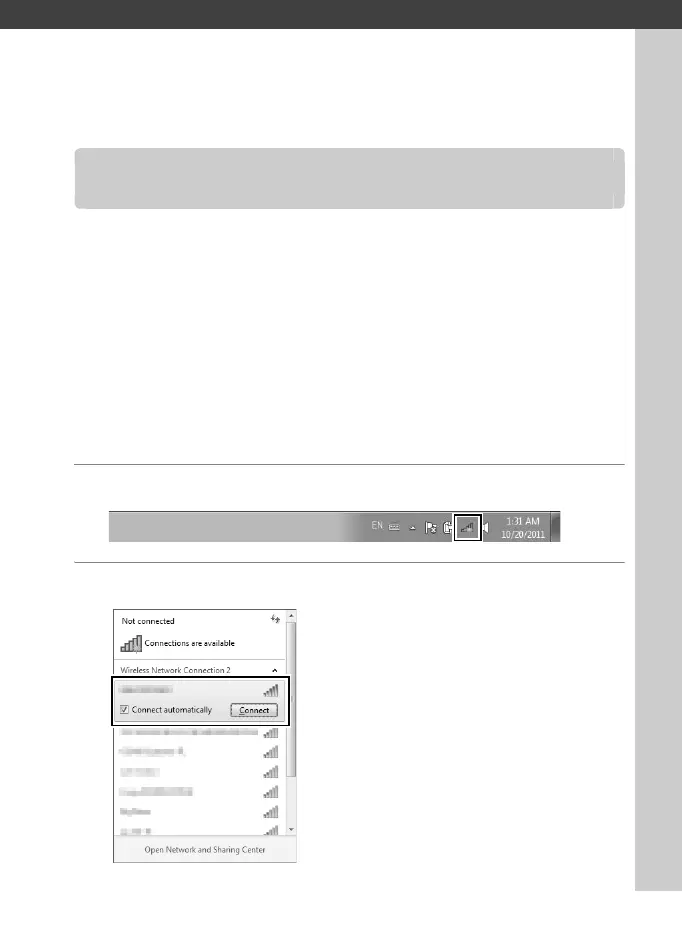
1 Click the Internet Access icon in the taskbar.
2 Select the network name (SSID) and click Connect.
Accessing the Camera



 To Next Page