En_01
9
Step 3: The Connection Wizard
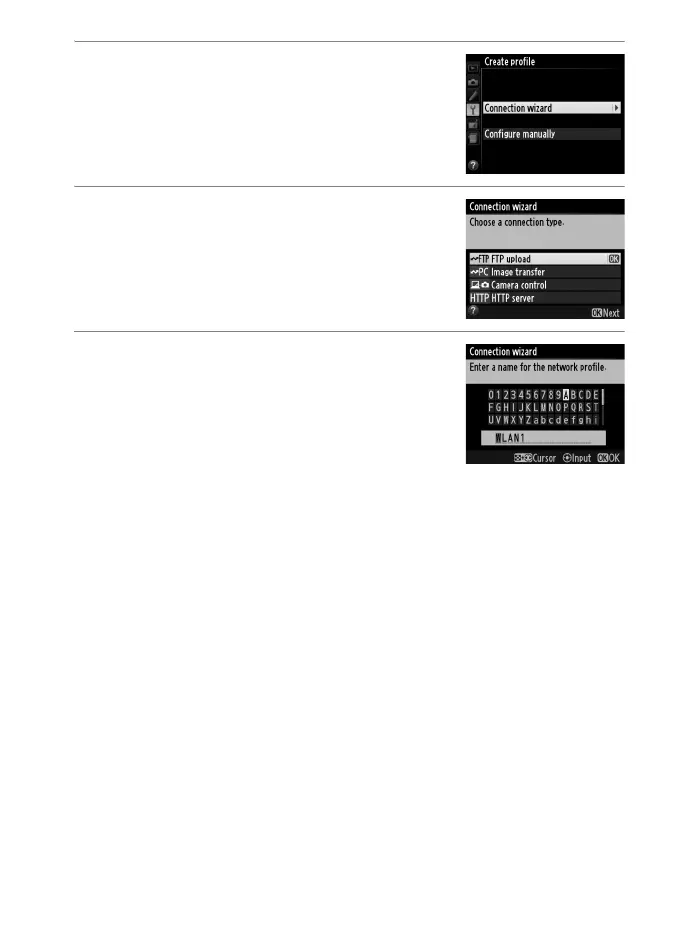
3 Start the connection wizard.
Highlight
Connection wizard
and press
2
to start the connection wizard.
4 Choose a connection type. (03)
Highlight a connection type and press 2.
5 Name the new network profile.
Enter the name that will appear in the
profile list and press J (to use the default
name, press J without making any
changes). Profile names can be up to 16
characters long.



 To Next Page