En_01
17
Step 4: Network Settings
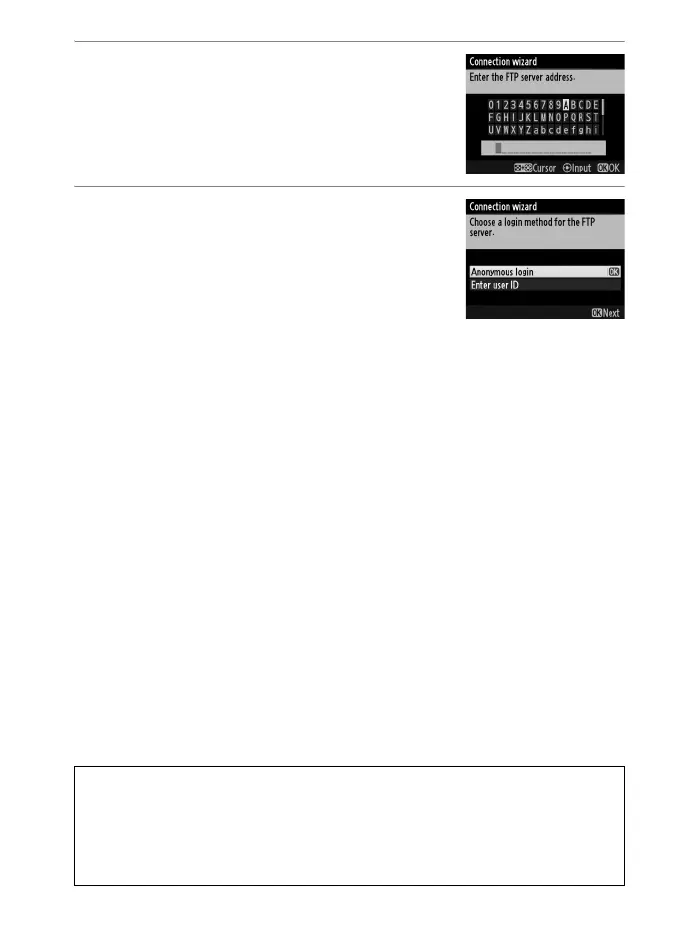
4 Enter the IP address.
Enter the server URL or IP address (010)
and press J to connect.
5 Log in.
Highlight one of the following options
and press J.
• Anonymous login: Select this option if the
server does not require a user ID or
password.
• Enter a user ID: Enter a user ID and password when prompted
and press J.
A MAC Address Filtering
If the network using MAC address filtering, the filter must be supplied with
the MAC address of the WT-5. After attaching the WT-5 to the camera,
choose Network > Options > MAC address from the camera setup menu
and note the MAC address.



 To Next Page