En_01
38
A “Automatic Setup”
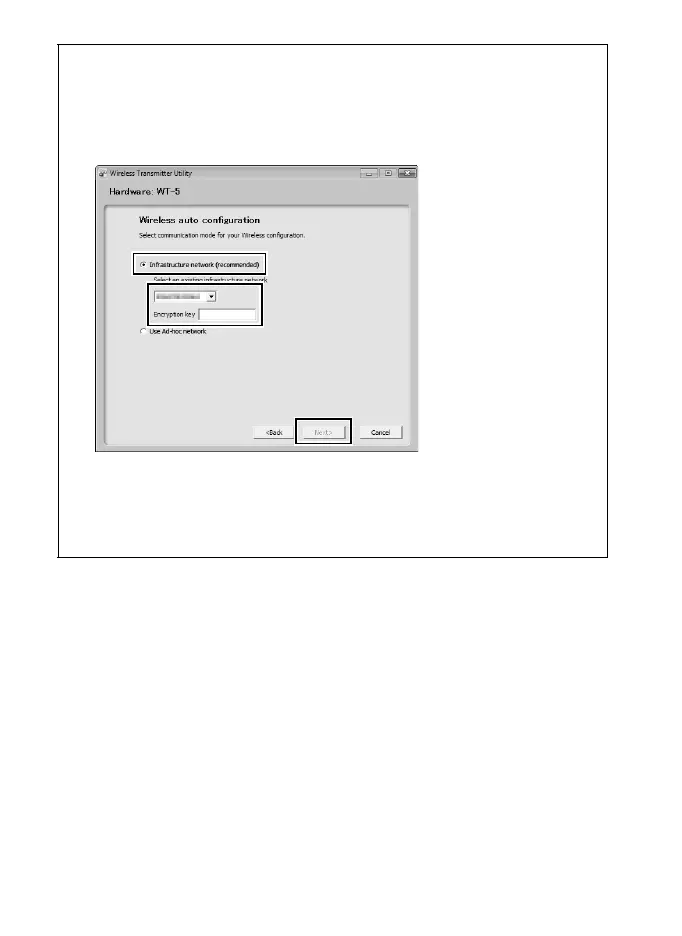
When connecting to an infrastructure network for the first time, select
Automatic setup (recommended). The following dialog will be displayed;
select Infrastructure network (recommended), choose the network from
the pull-down menu, and click Next to proceed to Step 12 (042).
Automatic setup is not available for connection to networks for which a
profile already exists or to third-party wireless LAN adapters, networks using
static IP addresses, or computers running Mac OS X or that are not
configured for connection to a wireless LAN access point.



 To Next Page