En_01
43
Recording Videos (b Mode)
Recording Videos (b Mode)
b (auto) mode can be used for simple, “point-and-shoot” video
recording.
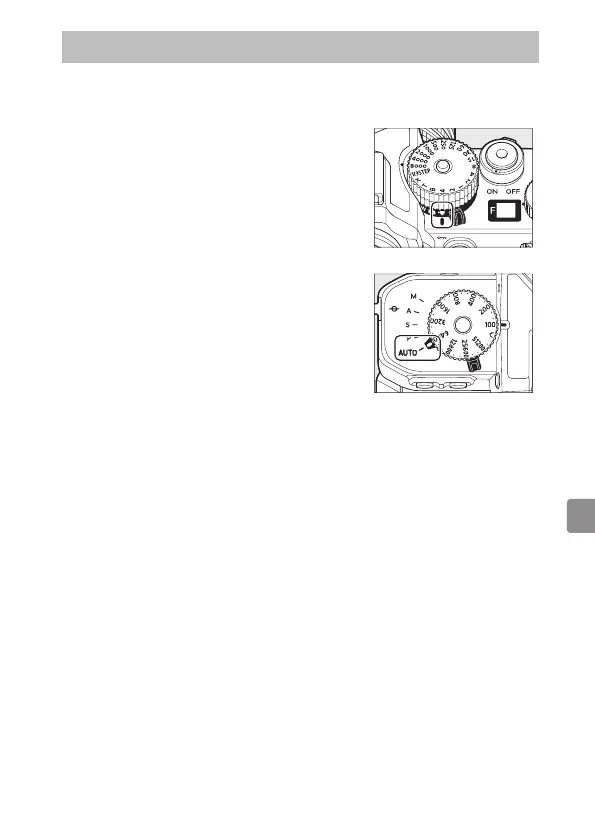
1
Select video mode by rotating the
photo/video selector to 1.
Note that optional flash units cannot be
used when the camera is in video mode.
2
Rotate the mode selector to AUTO (b).



 To Next Page
 Loading...










