10
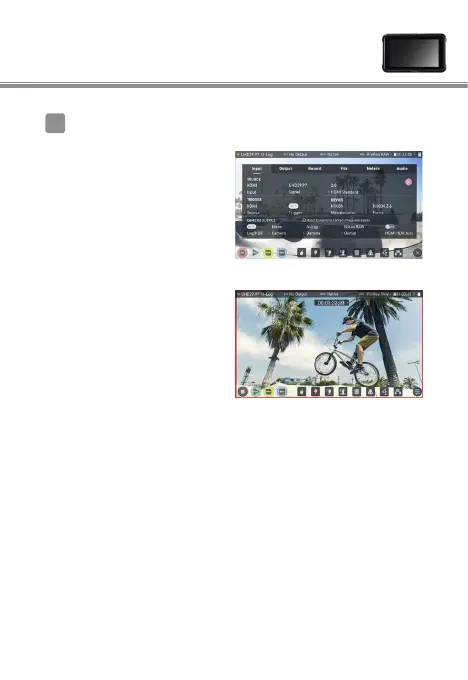
Select Input > TRIGGER > HDMI
⇒
Now the camera’s movie-
record button can be used
to control the start/stop of
recording on the Ninja V.
If this is functioning correctly,
a red frame will appear on
the Ninja V monitor during
recording.
RAW video output settings 3
2
Note: Please refer to the Ninja V User Manual for more details
about Ninja V settings.



 To Next Page