9
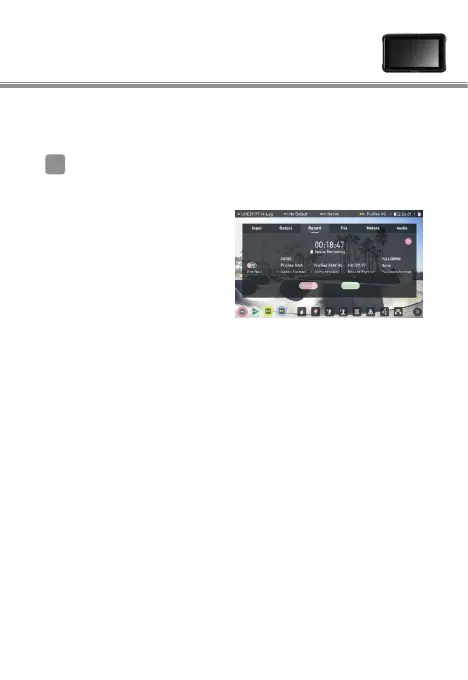
Atomos Ninja V settings
Select Record > CODEC > ProRes RAW >
Confirm
Note: Please refer to the Ninja V User Manual for more details
about Ninja V settings.
⇒
Supports RAW input via
HDMI and displays monitor
image in color.
(The monitor image will be
displayed in monochrome if
the Ninja V’s codec is set to
anything other than ProRes
RAW, even when receiving
RAW output from the
camera)
RAW video output settings 3
1



 To Next Page