35
Attaching a Lens
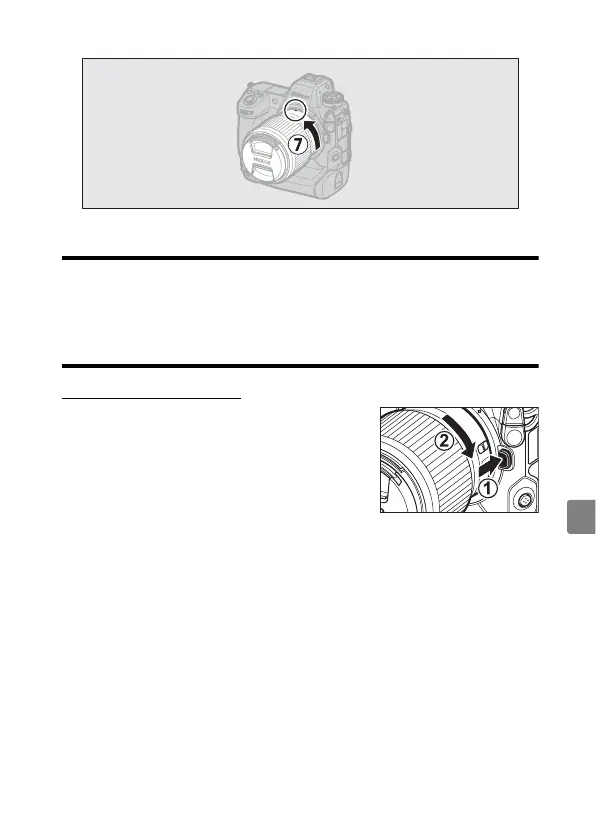
- Rotate the lens as shown until it clicks into place (
u
).
•
Remove the front lens cap before taking pictures.
D
F Mount Lenses
•
Be sure to attach the FTZ II/FTZ mount adapter (available separately)
before using F mount lenses.
•
Attempting to attach F mount lenses directly to the camera could damage
the lens or image sensor.
Detaching Lenses
•
After turning the camera off, press and hold
the lens release button (
q
) while turning
the lens in the direction shown (
w
).
•
After removing the lens, reattach the lens
caps and camera body cap.



 To Next Page