46
Playback
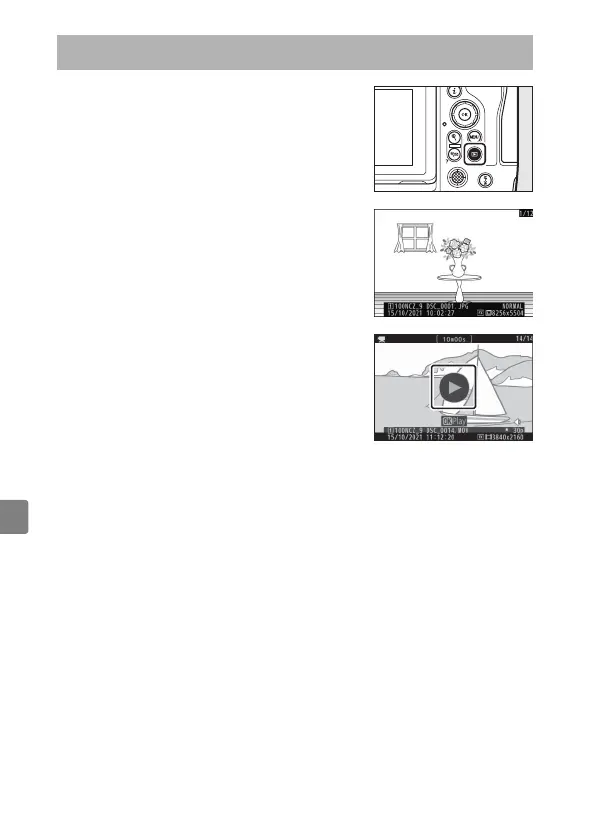
Press the
K
button to view photos and
videos in the monitor or viewfinder after
shooting.
•
Press
4
or
2
or flick left or right to view
additional pictures.
•
Videos are indicated by a
1
icon. Tap the
a
icon in the display or press the
J
button to
start playback.
•
To end playback and return to shooting mode, press the shutter-
release button halfway.
Playback



 To Next Page