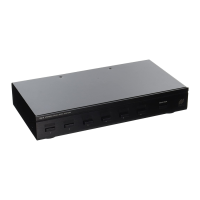
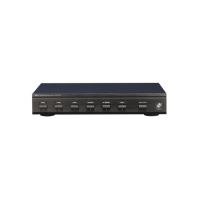
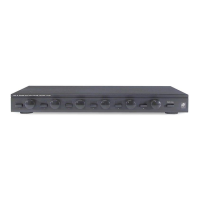
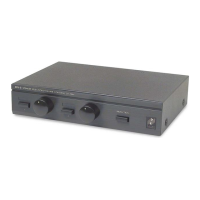
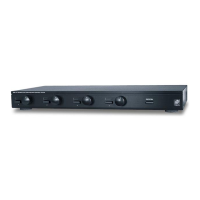
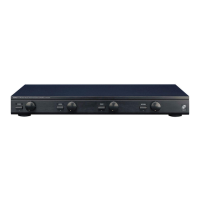
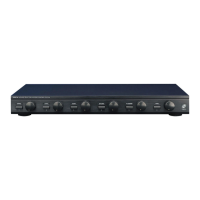
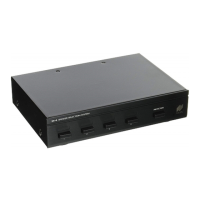
3. Locate the ON/OFF buttons on the SPS-4 which corre-
spond to the speaker pairs you wish to play. Set them to the
ON position.
4. Turn on the amplifier or receiver and select a source, such
as the tuner or CD player.
5. Slowly turn up the amplifier or receiver volume and set it
to a comfortable (not maximum) listening level. Be careful
not to overdrive or "clip" your amplifier. If the sound
becomes muddy or distorted, you have reached the limit of
your amplifier's volume capability and should quickly reduce
the volume to avoid damaging your speakers.
6. To turn off one or more speaker pairs, simply press the
corresponding ON/OFF button(s) on the SPS-4. Refer to the
Protection chart for the correct setting of the PROTECTION
button.
13
S
PEAKER
S
ELECTION
S
YSTEM


 To Next Page