23 241-877-646-5288 ninjakitchen.com
IMPORTANT: Review all
warnings on pages 3–6
before proceeding.
NOTE: Please follow the same
instructions to install the Dough
Blade Assembly.
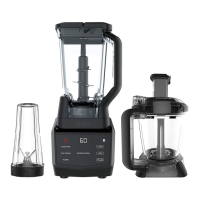
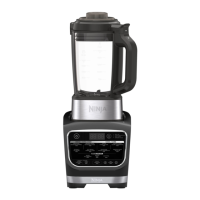
NOTE: Smart Vessel
Recognition can detect which
container is on the motor
base. Only the functions
available for a particular
container will illuminate on the
touchscreen.
USING YOUR PRECISION
PROCESSOR™ BOWL - CONT�
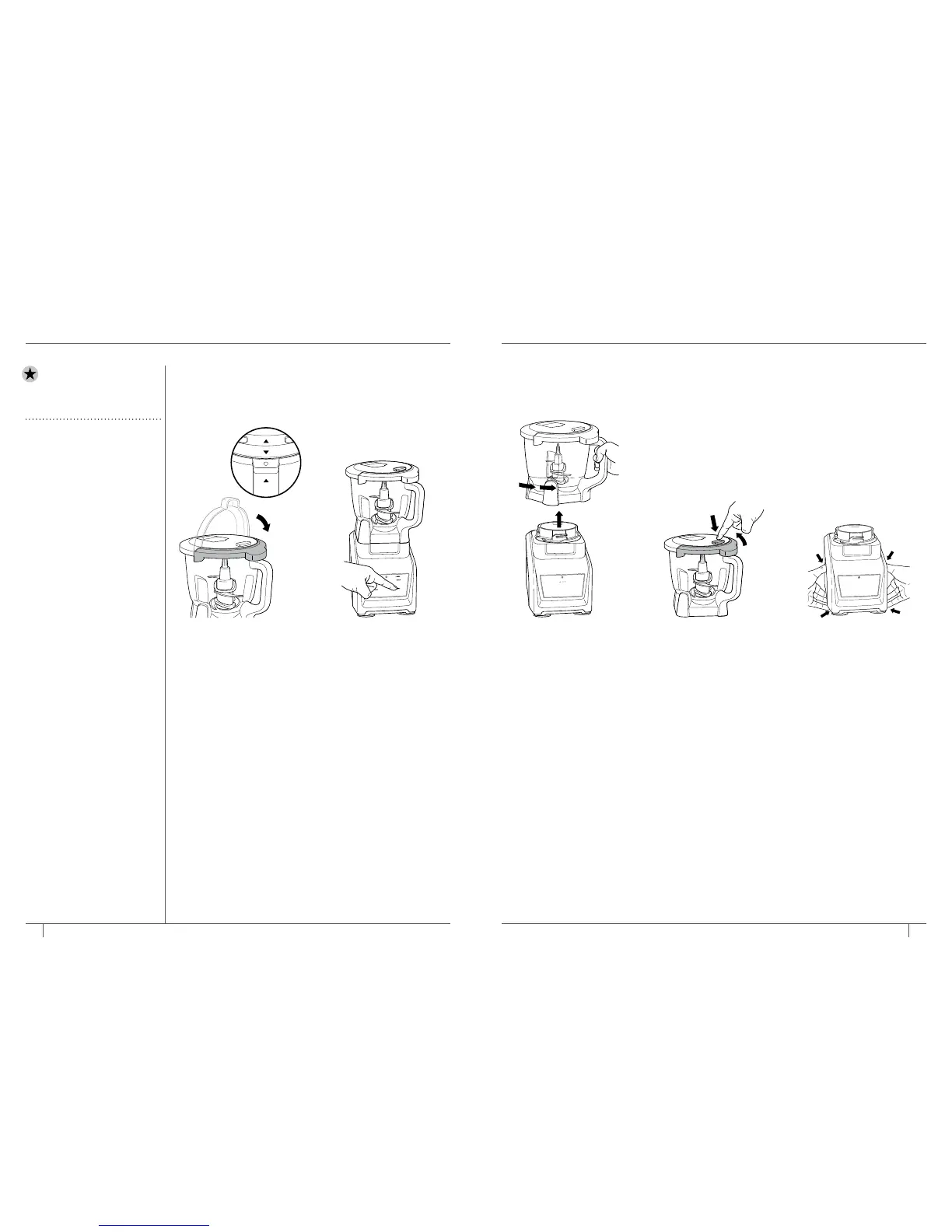
6 Place the feed chute lid
on the bowl and turn
clockwise until you hear
a click, indicating the lid
is locked in place. When
the unit is connected to
power and the container is
correctly locked onto the
motor base, the available
program buttons will
illuminate and the unit will
be ready for use.
7 If using a pre-set program,
first select the program
that best suits your recipe.
The pre-set feature will
automatically stop the
appliance at the end of
the program. To pause the
unit at any time, press the
currently active program
a second time. Reference
page 12 for program
descriptions.
8 To remove the bowl from
the motor base, turn the
bowl counterclockwise
and then lift it.
9
Press the button on the
feed chute lid located
near the handle to
unlock and turn the lid
counterclockwise. Lift
to remove from the food
processor bowl.
Always
remove the Chopping
Blade Assembly before
emptying any of the
ingredients in the bowl.
To remove the Chopping
Blade Assembly, carefully
grasp it by the top of the
shaft and lift it out of the
bowl.
10 Unplug the unit when
finished. To release the
motor base, place your
hands underneath both
sides of the motor base
and gently pull the unit up
and towards you. Refer
to page 29 for storing
instructions.



 To Next Page