1110 ninjakitchen.eu
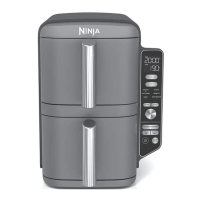
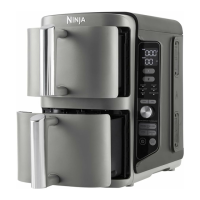
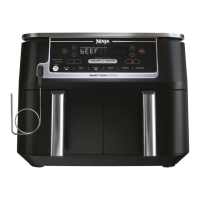
Match with Dual Zone Cooking
Match your cook settings across all levels
to use the full 9.5L cooking capacity at once.
Perfect for meal prep or to feed a crowd.
Program Zone 1 / Select
Function
• Place food in both drawers.
• Select Zone 1 by pressing 1.
• Turn the dial to select
a cooking function
(e.g. ROAST).
Begin cooking
• S elect MATCH.
• Press the START/STOP
button to being cooking.
Set time & temp
• Select the TEMP button
and turn the dial to set
the temperature.
• Select the TIME button
and turn the dial to
set the cook time.
Step 1
Step 3
Step 2
NOTE: When cooking a protein in a
single zone, place the plate in the
upper position for best results.
ZONE 2
ZONE 1
1.5kg whole chicken
1.5kg whole chicken
ROAST
190°C
60 MINS
MATCH
ZONE 1
ENGLISH




 To Next Page
