6ninjakitchen.co.uk5
ninjakitchen.co.uk
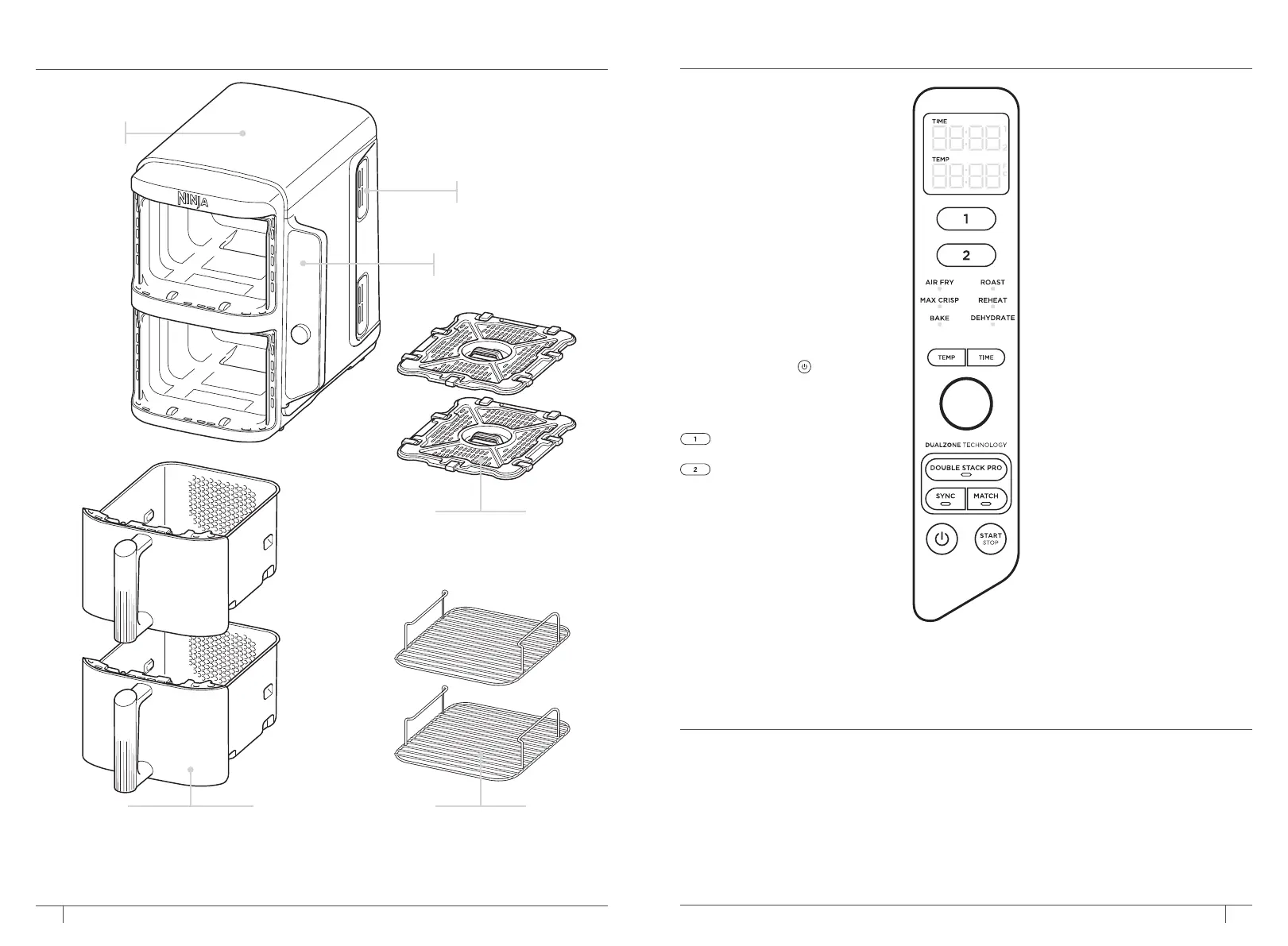
PARTS GETTING TO KNOW YOUR AIR FRYER
1 Remove and discard any packaging material, promotional labels and tape from the unit.
2 Remove all accessories from the package and read this manual carefully. Please pay
particular attention to operational instructions, warnings and important safeguards to
avoid any injury or property damage.
3 Wash the drawers, stacked meal racks and crisper plates in hot, soapy water, then rinse
and dry thoroughly. The drawers, stacked meal racks and crisper plates are the ONLY
dishwasher safe parts. However to extend the life of the accessories we recommend
hand-washing. NEVER clean the main unit in the dishwasher.
4 When using this appliance, provide at least 15cm of space on all sides for adequate air
circulation.
BEFORE FIRST USE
FUNCTION BUTTONS
AIR FRY: Use this function to
give your food crispiness and
crunch with little to no oil.
MAX CRISP: Best for cooking
smaller quantities of frozen food
such as French fries and chicken
nuggets, which may need a high
temperature.
BAKE: Create decadent baked
treats and desserts.
ROAST: Use the unit as an oven
for tender meats and more.
REHEAT: Revive leftovers by
gently warming them, leaving
you with crispy results.
DEHYDRATE: Dehydrate meats,
fruits and vegetables for healthy
snacks.
Power button: The
button
turns the unit on and also shuts
it o and stops all cooking
functions.
OPERATING BUTTONS
Control the output for
top zone (Zone 1).
Control the output for the
bottom zone (Zone 2).
CRISPER PLATE POSITION:
Lower position (bottom of
drawer): Allows air to surround
food for even cooking and
crisping. For proper placement,
make sure the cutouts are on the
left and right sides of the drawer.
Upper position (elevated in
drawer): For better browning
and grilling results, we suggest
using the upper position. Place
the crisper plate in the drawer
with the cutouts facing the front
and back of the drawer.
TEMP button: Press the TEMP
button, then turn the dial to
adjust the cook temperature
before or during cooking.
TIME button: Press the TIME
button, then turn the dial to
adjust the cook time in any
function before or during the
cook cycle.
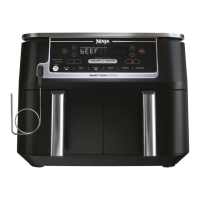
DOUBLE STACK PRO: Cook 4
foods at once in 2 independent
air fry drawers for evenly crispy
meals and snacks.
SYNC button: Automatically
syncs the cook times to ensure
both zones finish at the same
time, even if they have dierent
cook times.
MATCH button: Automatically
matches zone 2 settings to
those of zone 1 to cook a larger
amount of the same food or
cook dierent foods using the
same function, temperature and
time.
START/STOP button: Rotate the
dial from side to side to select
desired function. Start cooking
by pressing the START/STOP
button.
HOLD MODE: Hold will appear
on the unit while in SYNC mode.
One zone will be cooking, while
the other zone will be holding
until the times sync together.
STANDBY MODE: After 10
minutes with no interaction with
the control panel, the unit will
enter standby mode.
When setting time,
the digital display
shows HH:MM.
To order additional parts and accessories, visit ninjakitchen.co.uk or contact
Customer Service at 0800 862 0453.
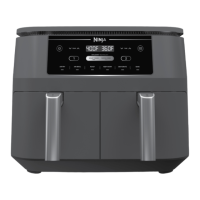
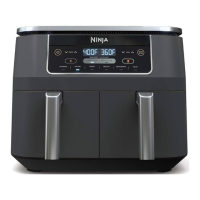
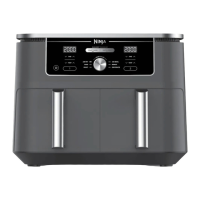
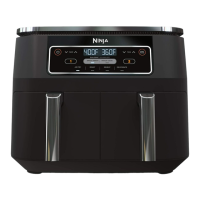
Control Panel
Air Outlet
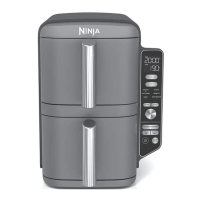
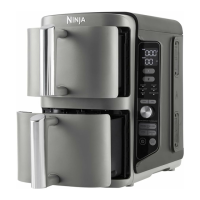
Main Unit
Non-stick
Crisper Plates
(One for each drawer)
Stacked Meal Racks
(One for each drawer)
Non-stick Drawers
(One for each zone)




 To Next Page