EasyManua.ls Logo

Nitec Hex-Par 12 - Ufi Operation; DMX Function Chart; 6-Channel Mode

Default Icon
8 pages
Print Icon
To Previous Page IconTo Previous Page
Loading...
RECEIVING
TRANSMITTING
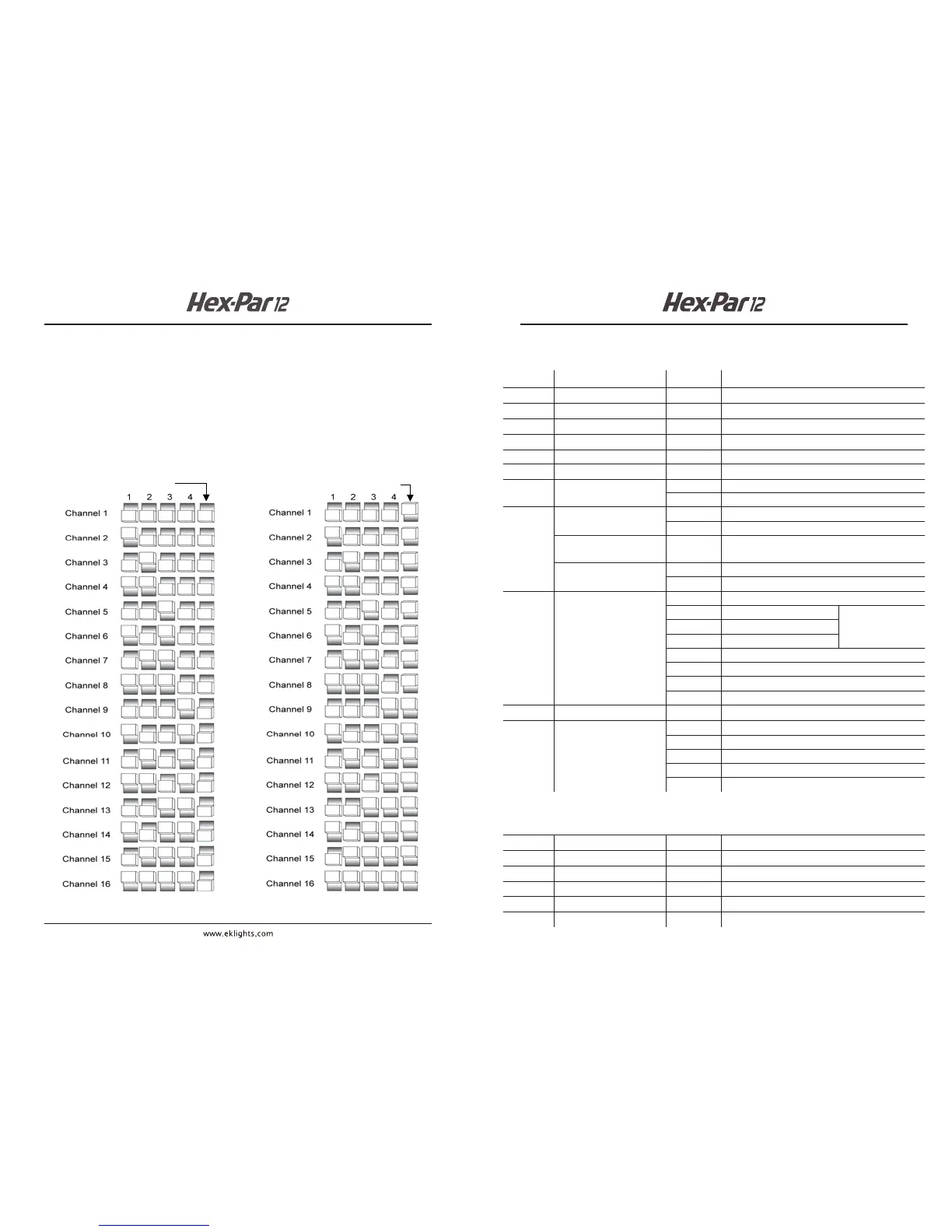
To enable wireless DMX operation via the optional UFI wi- transceiver:
1) Set the HEX-PAR 12 starting DMX address
2) Set the UFI sending/receiving channel
3) Attach the UFI to the HEX-PAR 12 USB port
4) Use Dipswitch 5 to select UFI send or receive mode.
UFI OPERATION
8
DMX FUNCTION CHART
9
Channel
Function
Value
Percent/Setting
1
Red
000 --- 255
0–100%
2
Green
000 --- 255 0–100%
3
Blue
000 --- 255
0–100%
4
Amber
000 --- 255
0–100%
7
Color Macros
(Overrides Ch . 1 –6)
000 --- 015
No function
016 --- 255
Color macros
8
Strobe
(when CH 9 is 000031 )
000 --- 015
No function
016 --- 255
Slow to fast
Speed
(when CH 9 is 032223)
000 --- 255 Slow to fast
Sound Sensitivity
(when CH 9 is 224255 )
000 --- 010
O
011 --- 255
Controls the sound sensitivity level
9
Mode
000 --- 031
No function
032 --- 063
CH1~ 6 must be
active
064 --- 095
096 --- 127
128 --- 159
Auto fade transition
160 --- 191
Auto snap transition ( 6 colors)
192 --- 223
Auto snap transition (63 colors)
224 --- 255
Sound -active mode
10
Dimmer
000 --- 255 0–100%
11
Dimmer Speed
000 --- 051
Default dimmer speed set from menu
052 --- 101
Dimmer speed mode o
102 --- 152
Dimmer speed mode 1 (fast speed)
153 --- 203
Dimmer speed mode 2 (medium speed)
204 --- 255
Dimmer speed mode 3 (slow speed)
1
Red
000 --- 255
0–100%
2
Green
000 --- 255
0–100%
3
Blue
000 --- 255
0–100%
4
Amber
000 --- 255
0–100%
11-Channel Mode
6-Channel Mode
5
White
000 --- 255 0–100%

6
UV
000 --- 255
0–100%
5
White
000 --- 255
0–100%
6
UV
000 --- 255
0–100%