12
1. If no administrator was designated and only general users were
registered in network mode, all users will be allowed to enter the
Management menu.
2. If 1:N authentication is used, an administrator with a registered
fingerprint can enter the Administrator menu using fingerprint
authentication without entering his ID.
Entering Administrator Menu
Terminal users include general users and administrators. General
users are only allowed to open the door while the administrator can
use the Administrator menu to control the door as well as the
terminal’s functions.
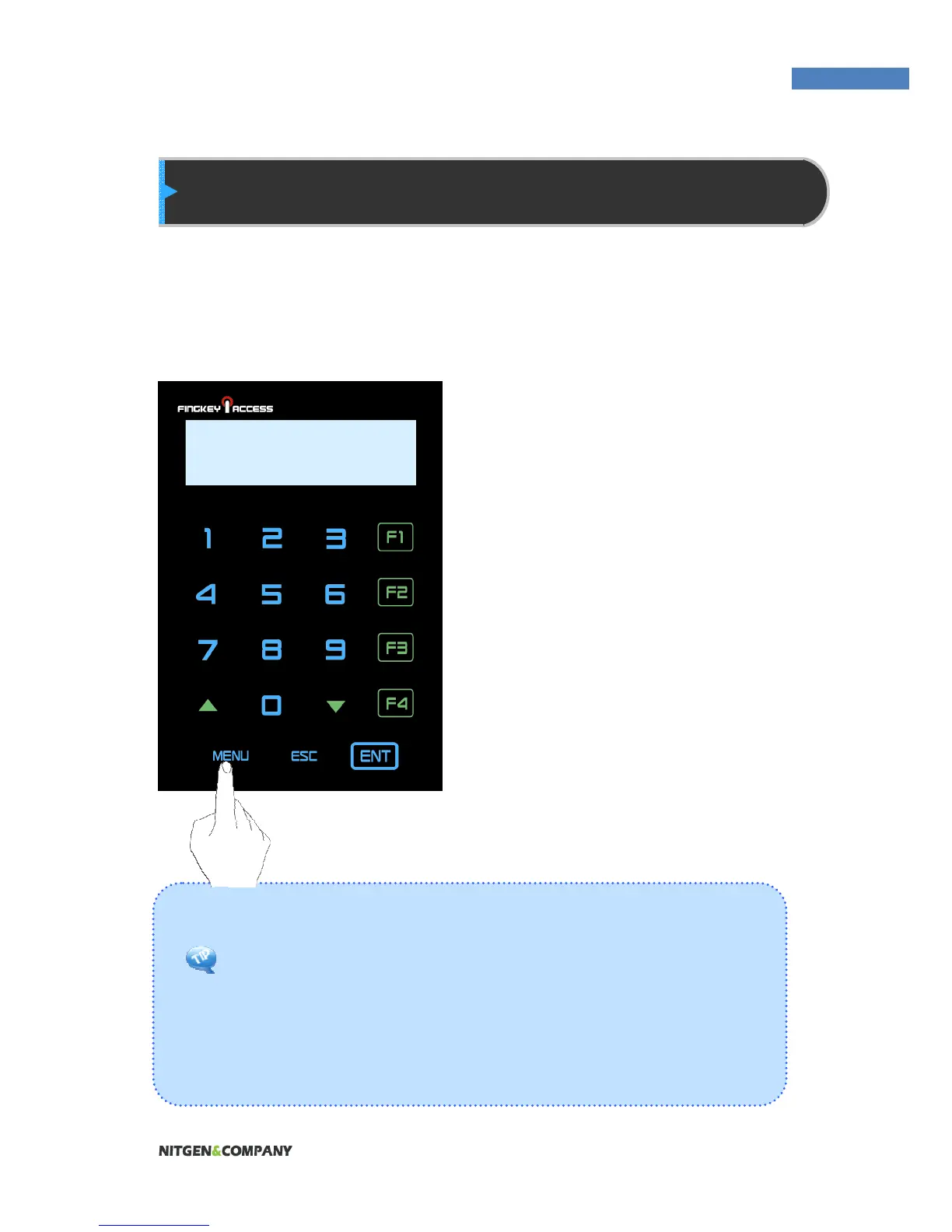
1. To enter the Administrator
menu, touch the “MENU”
button at the lower of the
touch pad.
2. Input the administrator ID and
follow the authentication
process. The Administrator
menu will be displayed.
Because no users have yet
been registered, any user
can enter the Administrator
menu. At least one
administrator for should be
registered for security
purposes.
INPUT MASTER ID
: 0324


 To Next Page