20
What is DHCP (Dynamic Host Configuration Protocol)?
The DHCP server automatically allocates and manages settings for TCP/IP
communication. If DHCP is on, related information such as terminal IP,
subnet mask, and gateway are automatically allocated.
Time Limit
Don’t set this value too short.
Port Setting
Enter the port number to be used for communication between the
server and the terminal. The default value is “7332” and the user can
choose between 2000 and 65535. When changing the port data in
the terminal, change the communication setting of AccessManager
Professional accordingly.
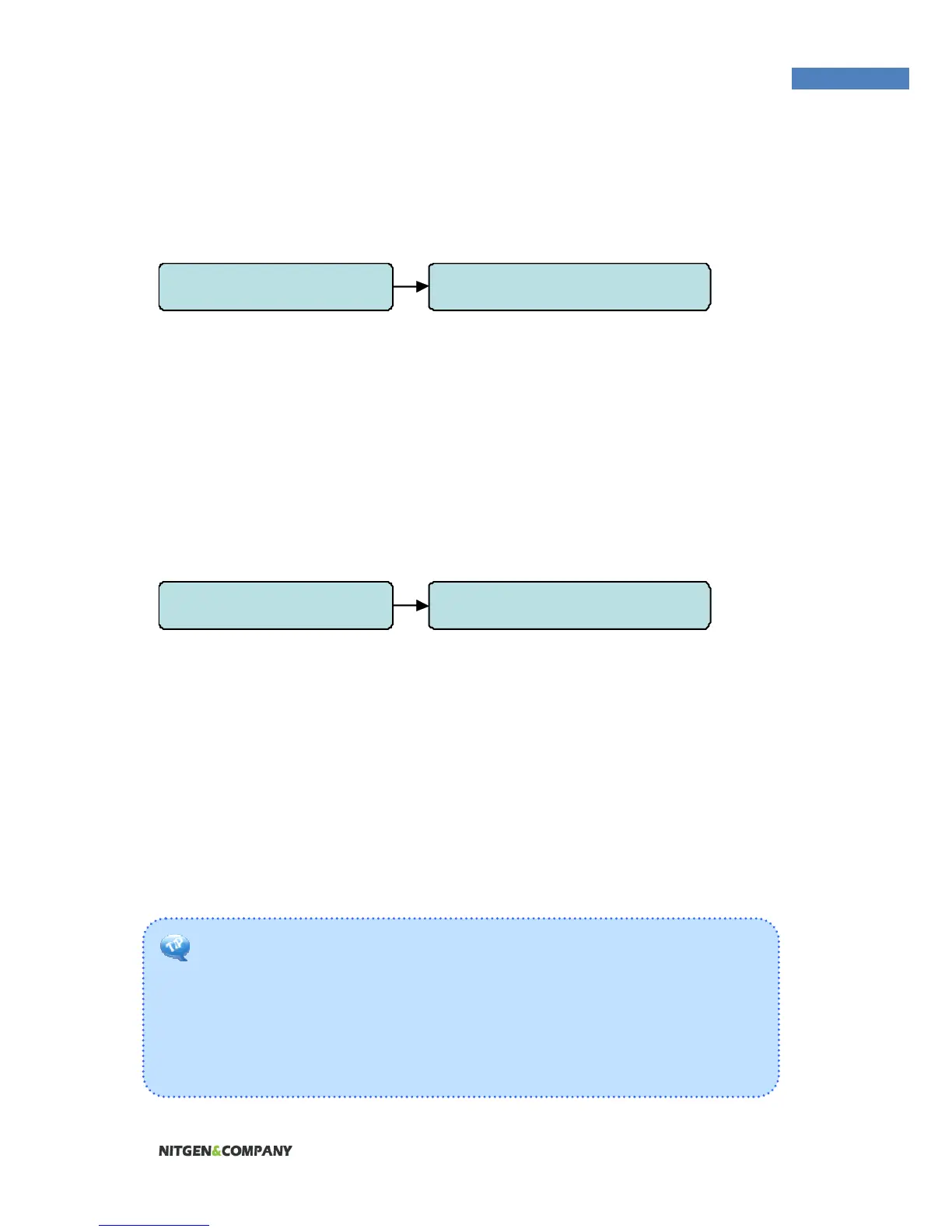
5.Network 4. Port Setting
5.Network 3. N/W Timeout


 To Next Page