15
User Management
The administrator can register, delete and change users with the
User menu.
User Registration
The maximum number of users that can be registered is the 2,000
templates. (1,000 uesrs)
User Change
User IDs are unique and cannot be changed. However, group,
privilege, fingerprint, and authentication type can be changed in the
“Modify” menu. Users can only be changed in stand-alone mode. In
network mode, the server management program must be used to
change users.
User Deletion
In network mode, the User menu does not support deletion of certain
or all users. The administrator can only delete all users registered at
a certain terminal by selecting “Reset Æ User Data.”
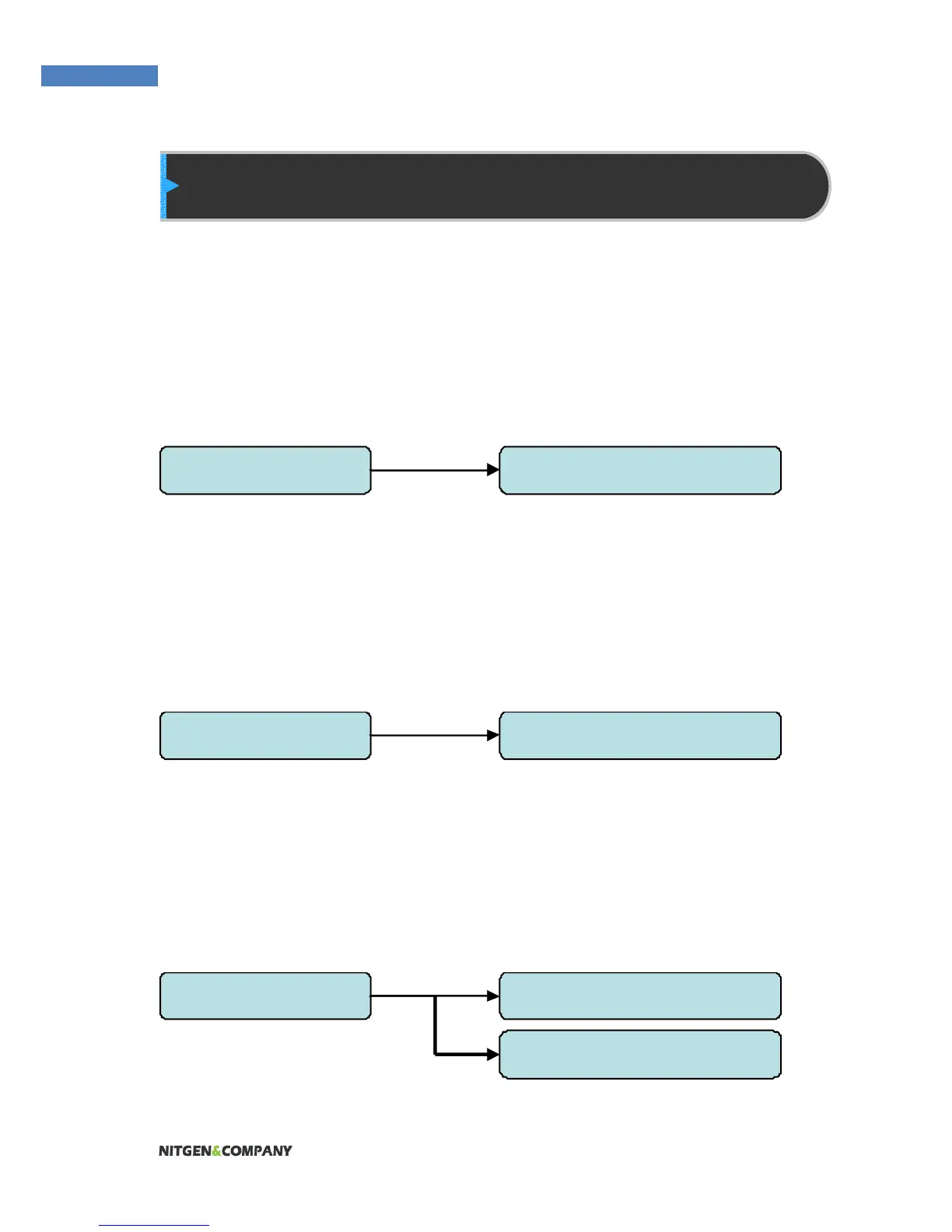
1.User Manager 1. Register User
1.User Manager 2. Modify User
1.User Manager 3. Delete User
4. Delete All


 To Next Page