18
UI & Sound Setting
Language and Buzzer
The user can change the language, buzzer.
Function Key display mode
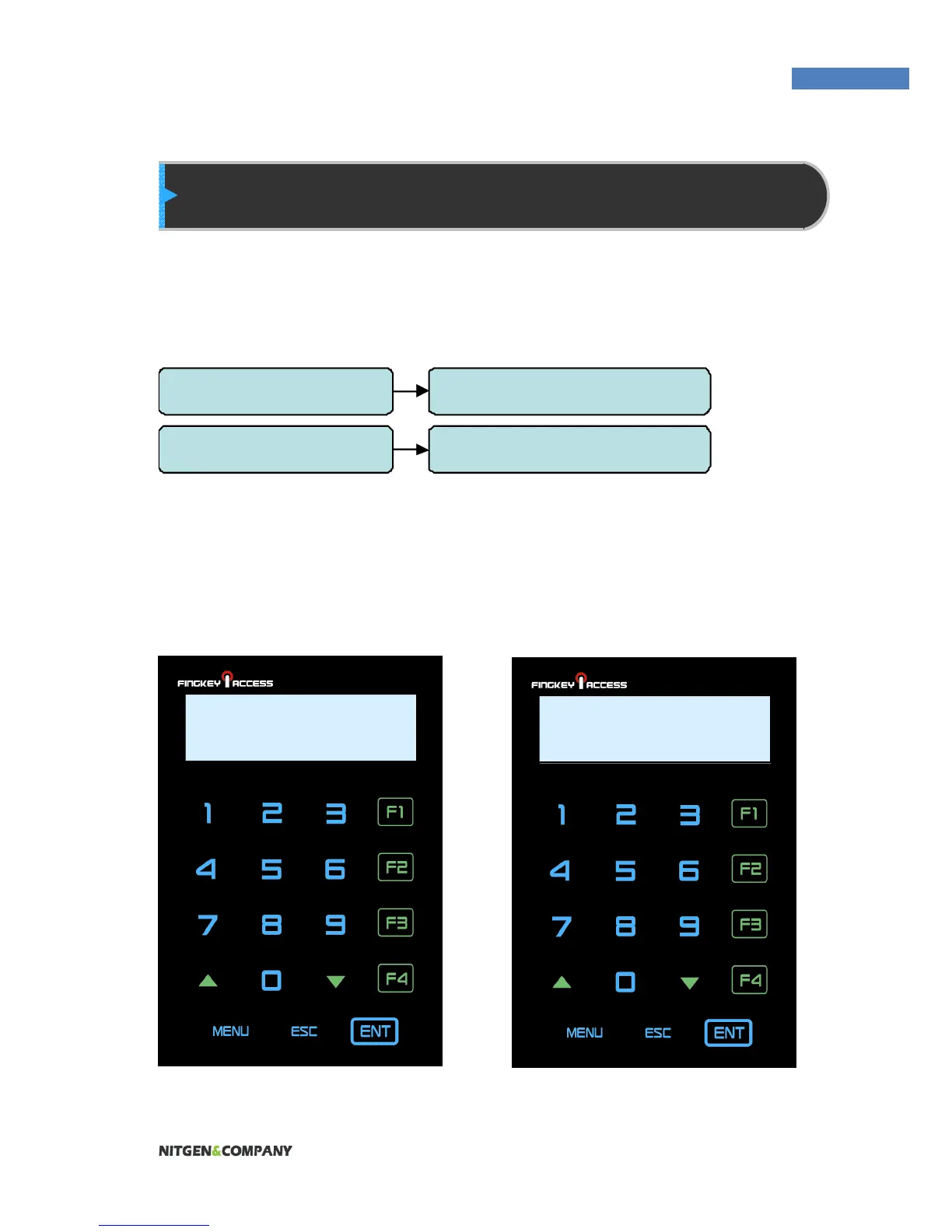
Based on this setting, the display for Function key will be showed
differently. For example,
SETTING = OFF SETTING = Mode2
3.UI Option 1. Language
3.UI Option 2. Buzzer
F3 :
1234
Check In :
1234



 To Next Page