17
Capture Mode
Set whether to distinguish fake fingerprints, to what degree of
precision. “Low”, “High”, or “Not in Use” are available.
Authentication Limit Time
The fingerprint input waiting time is between 3 and 9 seconds, and
the default is 5 seconds.
Auto-On Setting
1:N Authentication Time
If 1:N authentication is being used, the time can be set during which
all user fingerprints are searched. The input value can be between
three to nine seconds, with the default being three seconds. If the
search fails after the specified time, a “Matching timeout” error will
occur.
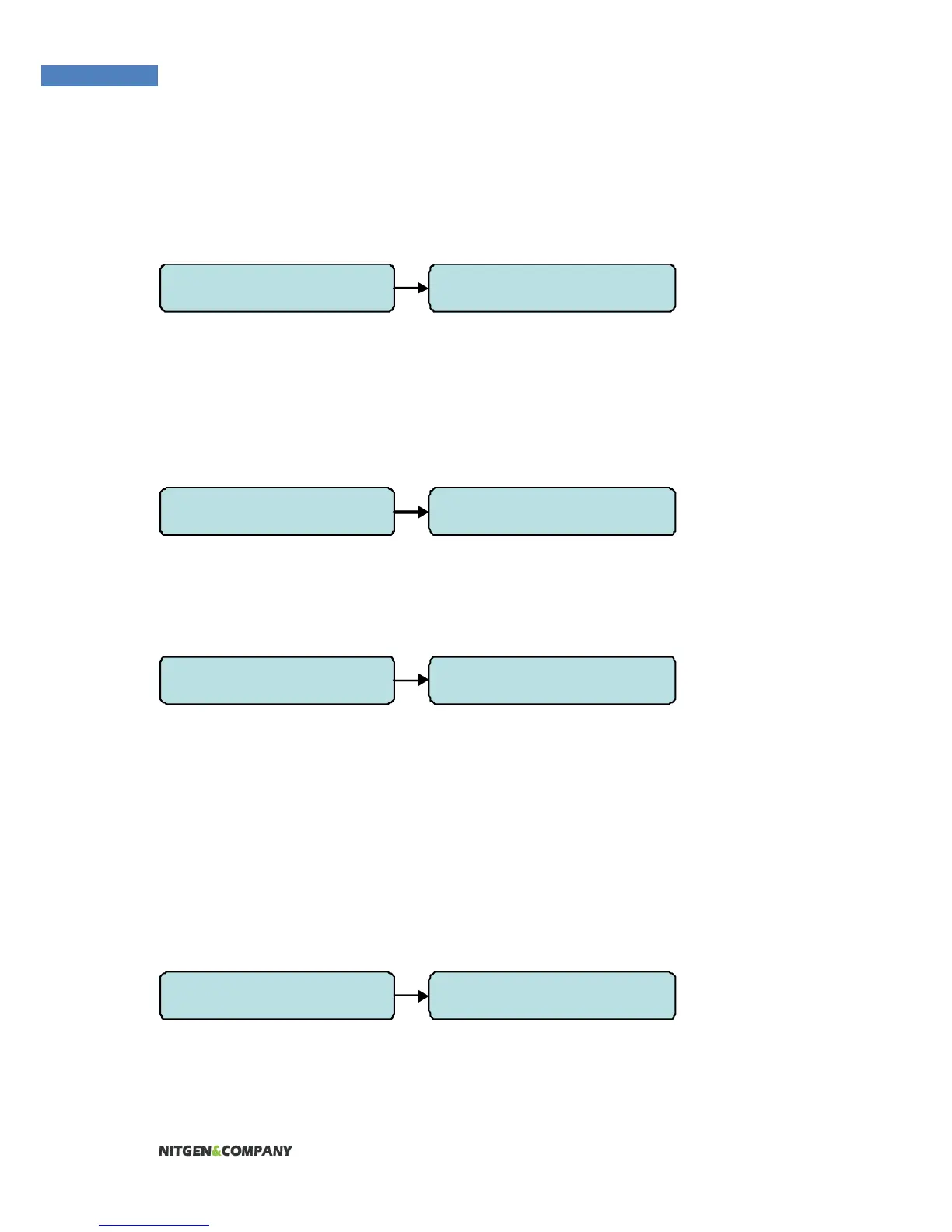
2.FP Option 3. Capture Mode
2.FP Option 4. Sensor Timeout
2.FP Option 5. Auto-On Check
2.FP Option 6. 1:N Timeout


 To Next Page