29
To use 1:N authentication in attendance mode, enter the
attendance key and perform authentication without inputting an ID.
Using Extended Attendance
Mode (Not available)
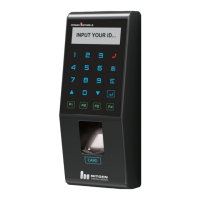
In Extended Attendance Mode, the
initial main screen will be displayed
as shown on the left.
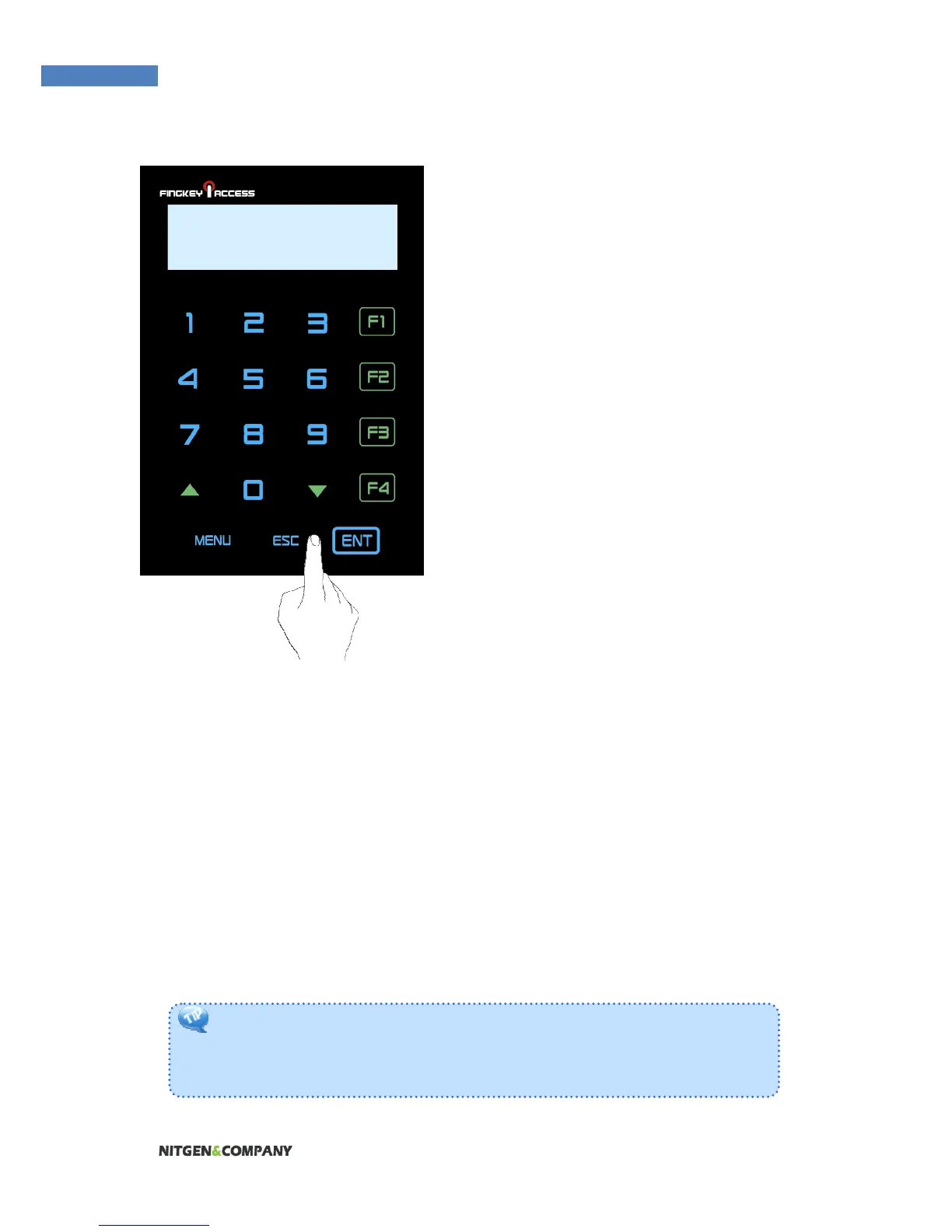
1. Select a function key, and press
arrow keys to change function
number.
2. Enter the user ID and press
“Enter” to authenticate.
F13- INPUT ID
: 0324


 To Next Page