- GB -
6. TESTER FUNCTIONS
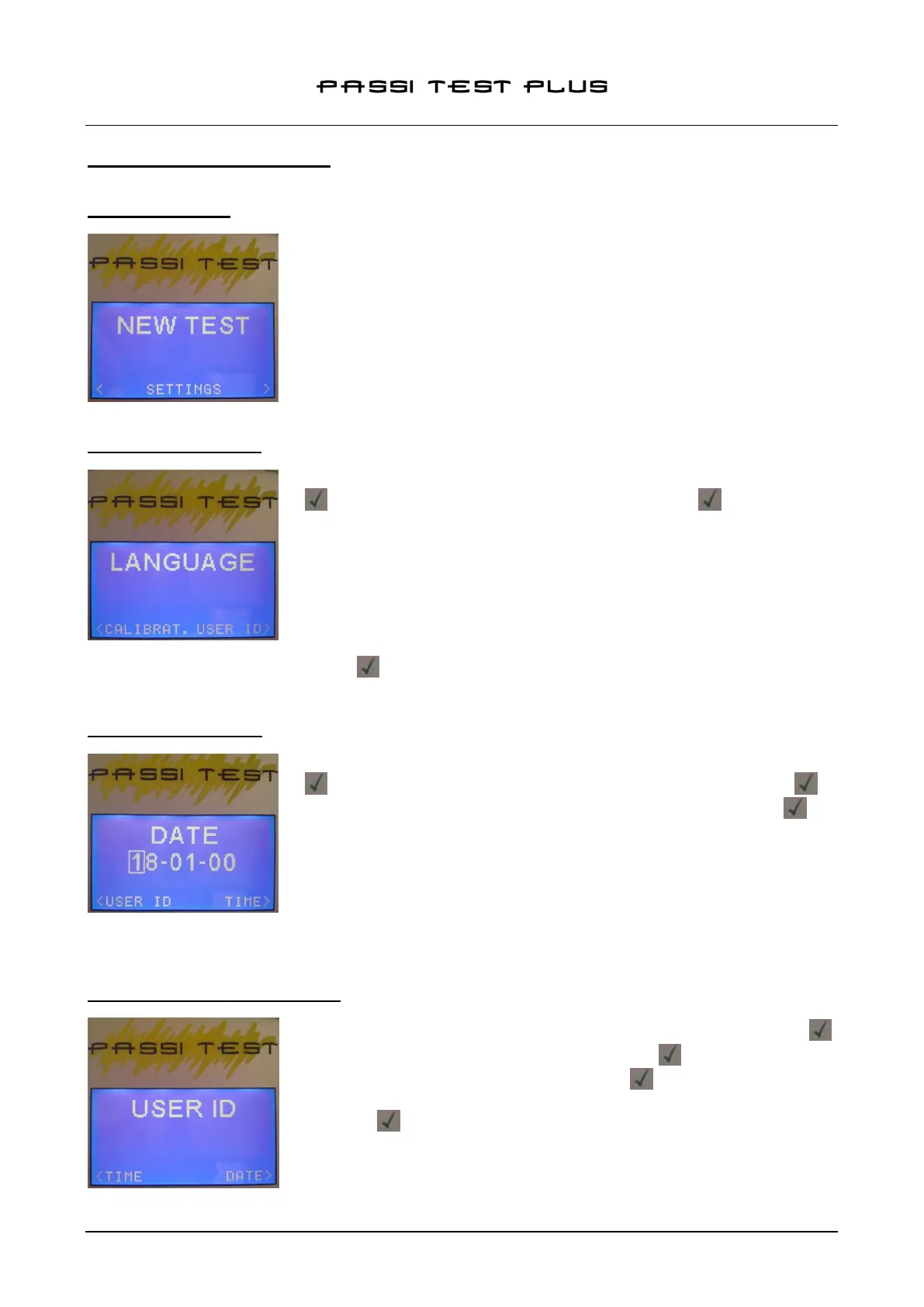
6.1 SWITCH ON/OFF
Turn on the external unit of the passivation tester by pressing and holding
down the POWER button for two seconds. The tester will light up and the
main menu will appear.
Turn the unit off pressing and holding down the POWER button for two
seconds.
NOTE: It is possible to return to the main menu by pressing MENU button on
the external unit.
6.2 LANGUAGE SETTING
To set the menu language, from the main menu, select SETTINGS and press
scroll using the arrow keys to LANGUAGE and press .
The following languages are available:
- English
- Italian
- French
- German
Select the desired language and press to confirm.
6.3 DATE/TIME SETTING
To set the date and time, from the main menu, select SETTINGS and press
, using the arrow keys to scroll to DATE and / or TIME and press to
set the value use the numeric keys on the keyboard and press to
confirm.
NOTE: The date and time set appears in the quality control report.
6.4 SETTING USER ID / PASSWORD
To set the User ID, from the main menu, select SETTINGS and press ,
using the arrow keys to scroll to USER and press ; to set the value use
the numeric keys on the keyboard and press to confirm. Then, choose
and enter password; to set the value use the numeric keys on the keyboard
and press to confirm.


 To Next Page