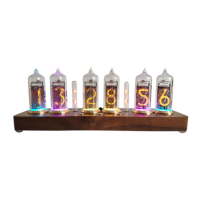
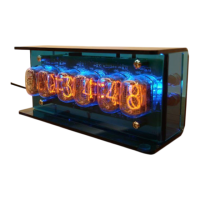
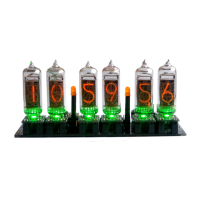
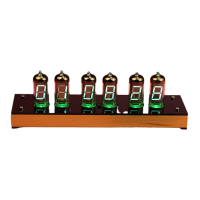
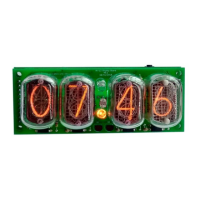
Thank you for purchasing a nixieshop.com clock!
Please read the following manual carefully to ensure you get the most out of your Nixie Clock.
Unboxing
All nixieshop.com clocks are shipped as carefully as possible to ensure safe delivery to you. In the unlikely event
that the clock does arrive damaged, or if you have any questions at all about using the product, please contact
me on petro.vodopyan@gmail.com.
Carefully remove the clock from the box when unboxing this product. The clock unit is protected with a plastic
cover to secure tubes during shipping - the nixie tubes are installed into sockets, and should be handled with
care.
WARNING: Please note that this clock is for indoor use only.
Contents
Each package contains the following items:
1. Clock base with mounted Nixie tubes (tube types are specific to purchased model).
2. 12v 1A power adapter with 5.5mm X 2.1mm jack.
3. IR remote control.
4. Built in motion sensor module(based on Doppler radar).
5. Product manual.
Warranty
Nixieshop.com values your business and always attempts to provide you the very best quality of service. We
provide lifetime warranty for electronics and two year warranty for tubes. The warranty applies only to the
products manufactured by Nixie Shop.
The warranty covers burned out tubes (up to three), problems with the electronics of the clock. The warranty
does not cover: 12V external power supply, damage of a product resulting from negligence; damage of a
product resulting from unauthorized modification of the product; damage caused by natural disaster; theft or
loss of the product.
Powering up
On the rear panel of the clock there is a power socket. Plugging in and turning on the power, the clock will
perform a brief self-test to confirm it’s operational. The digits on the clock will scroll through from 0-9, then the
clock will beep once.
Sleep mode
Setting the clock to sleep when not required can help to prolong the life of the Nixie tubes and save power. The
sleep feature works using 24 hour time values. For best results the clock should also be set into 24H mode
(menu option 12). To disable sleep feature - set start value equal to end value .



 To Next Page