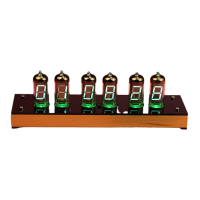
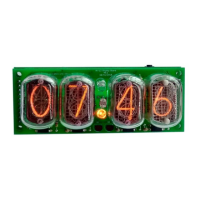
There are two ways to adjust the various s
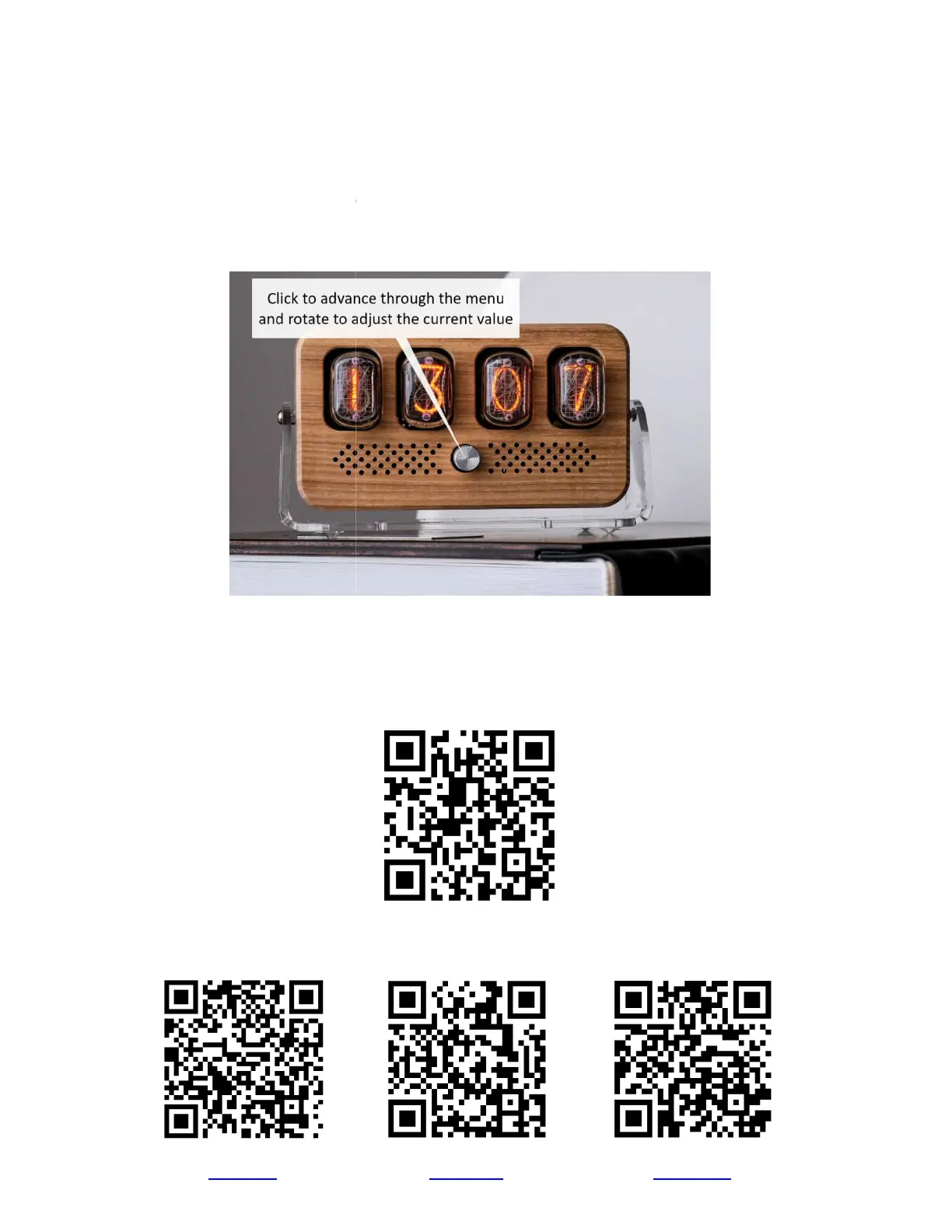
1. The knob on the front side
of the clock. Pressing it in once changes through the menu items, twisting it
changes the values.
2. Using the IR remote control. The
setting, pressing the up/
right arrows increases current value and down/left arrows
The 0-
9 buttons changes color scheme of RGB lights. The "*" acts as OFF button and the "#" button
switches the clock ON.
If you don't mind, please give us
leave a comment -
it will help us to develop the project
Find us on social networks
YouTube
and Adjustments
There are two ways to adjust the various s
ettings of the clock:
of the clock. Pressing it in once changes through the menu items, twisting it
OK" button acts as a menu button and
right arrows increases current value and down/left arrows
9 buttons changes color scheme of RGB lights. The "*" acts as OFF button and the "#" button
Feedback
at our Trustpilot profile
it will help us to develop the project
. Your feedback is always appreciated and welcome.
Find us on social networks
Facebook
of the clock. Pressing it in once changes through the menu items, twisting it
the current menu
right arrows increases current value and down/left arrows
decreases the values.
9 buttons changes color scheme of RGB lights. The "*" acts as OFF button and the "#" button
Facebook group and
. Your feedback is always appreciated and welcome.



 To Next Page