DUAL TIME SETTING
This function tracks time in another time zone.
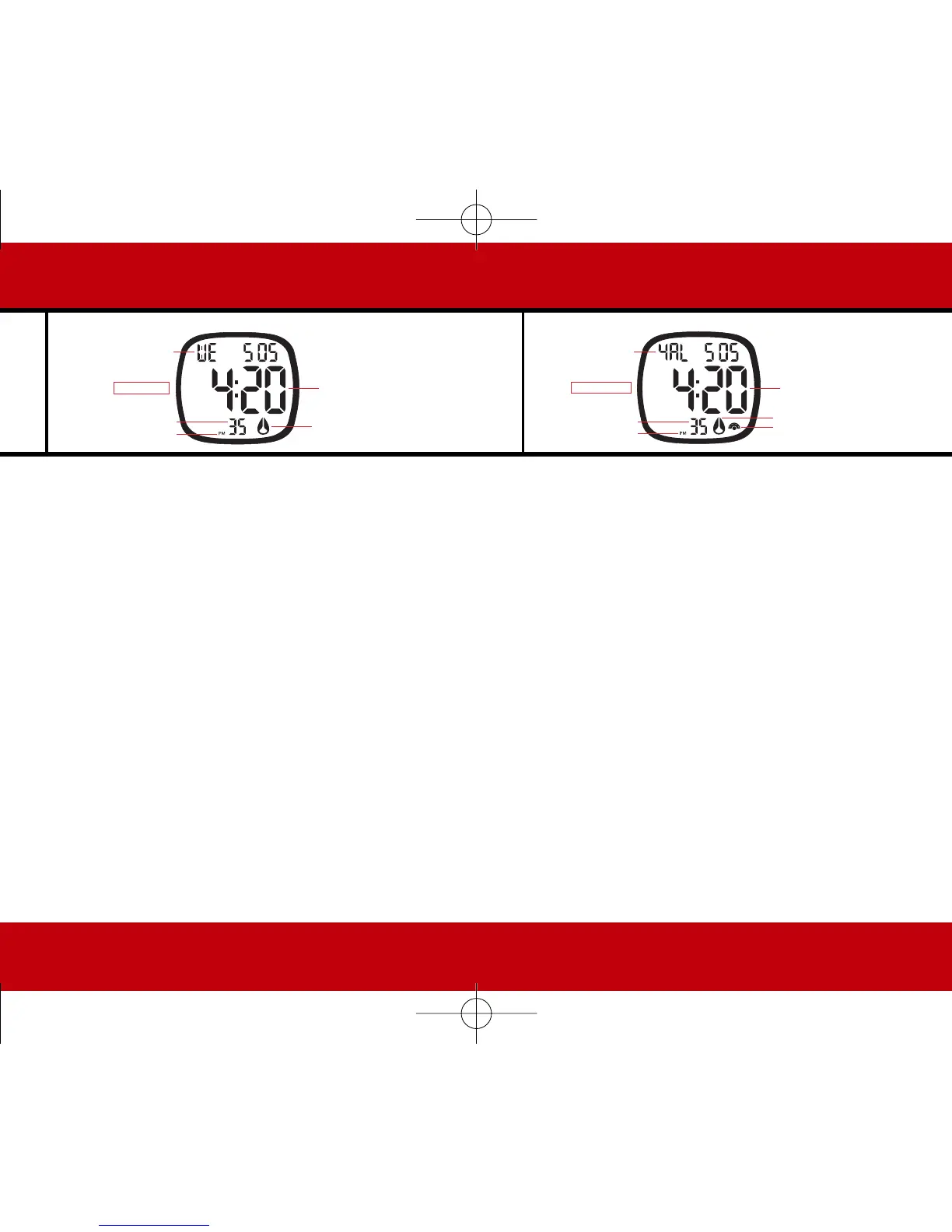
PRESS LAP/RESET to enter Dual Time. “DUAL” is shown. Dual
time setting is the same as Normal Time (hour) setting above.
PRESS LAP/RESET again to exit Dual Time.
ALARM SETTING
PRESS MODE to enter Alarm Mode. Press LAP/RESET to switch
to alarm 2 through 5. Once you’ve selected the desired
alarm, press START/STOP for 2 seconds. “AL” will flash.
PRESS LAP/RESET to select alarm. The alarm is on if the Nixon
icon showing. If you want the alarm off, you got it, the
Nixon icon isn’t showing. The chime (on) is indicated with
the (sound) icon.
PRESS START/STOP again. Press LAP/RESET and MODE to select
the hour and minutes.
PRESS START/STOP for 2 seconds to exit Alarm Setting.


 To Next Page