12
SUPPORT
COMPLIANCE INFORMATION
IMPORTANT SAFETY INFORMATION
Please refer to our FAQs on our website at support.nixplay.com
If you have any questions or feedback in regards to our product and service, reach us
by going to our support page on our website. The Nixplay Support Team is committed
to delivering exceptional service and will answer your questions and queries promptly
to solve your problems.
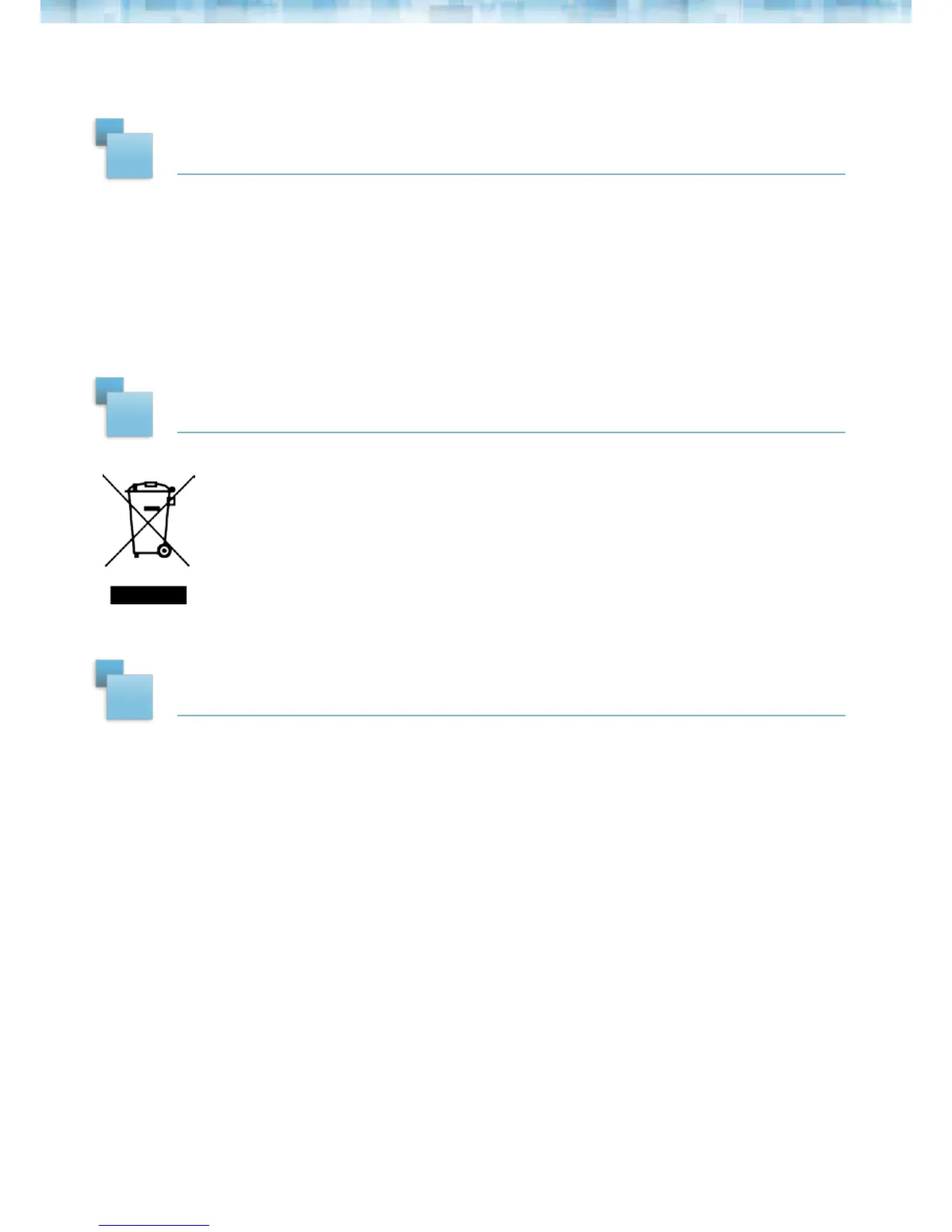
Waste Electrical and Electronic Equipment Directive (Applicable to Europe):
This symbol on the product or on its packaging indicates that this product
shall not be treated as household waste. There are separate collection
systems for recycling in your country. For more information about recycling
of this product, please contact the local authority or the retailer where you
purchased the product.
Always follow the basic safety precautions when using your Cloud Frame. This will reduce
the risk of re, electric shock, product damage and personal injury.
• Keep the Cloud Frame away from direct sunlight and heat sources such as radiators or
stoves.
• Do not block ventilation openings. Slots and openings on the Cloud Frame are
provided for ventilation. The openings should never be blocked by placing your Cloud
Frame on a cushion, sofa or other similar surface.
• Never place heavy or sharp objects on the LCD panel or Cloud Frame.
• Do not place the Cloud Frame on an unstable cart, stand, tripod, bracket or table.
• Only use the AC adapter included with the Cloud Frame. Using any other adapter will
void your warranty.
• Protect the power cord from being walked on or pinched particularly at plugs,
receptacles and the point where the cord attaches to the Cloud Frame.
WARNING:
To reduce the risk of electric shock, do not remove the cover or back of the
unit. There are no user-serviceable parts inside. Please refer servicing to
qualied personnel.
10
11
12



 To Next Page